
Loading ...
Loading ...
Programmatically generate high-quality QR codes with custom colors, styles, and embedded logos.
To use the API, you must authenticate your requests using an API Key.
Create an API Key from your dashboard to authenticate your requests. Each API Key has specific scopes and environments (test/live).
Manage API KeysSend a POST request to generate a QR code. The response includes the image data (Base64) and a ready-to-use HTML embed code.
const FormData = require('form-data');
const fetch = require('node-fetch');

const form = new FormData();
form.append('text', 'https://example.com');
form.append('color', '#000000');
form.append('background_color', '#ffffff');
form.append('qr_type', 'circle__rounded');
form.append('image_type', 'link');
form.append('image', 'https://example.com/logo.png');

const response = await fetch('https://eaglebirth.com/api/app/qr_code_generator/', {
  method: 'POST',
  headers: {
    'Authorization': 'Bearer YOUR_EAGLEBIRTH_API_KEY',
    ...form.getHeaders()
  },
  body: form
});

const data = await response.json();
console.log(data);| Parameter | Required | Type | Description |
|---|---|---|---|
| text | Yes | string | The data to be encoded in the QR code (URL, text, etc.). |
| image | Optional | file | string | A logo to embed in the center. Can be a file upload or a public URL string. |
| image_type | Optional | string | Set to 'link' if providing a URL, 'image' if uploading a file, or 'none'. |
| color | Optional | hex | Foreground color (e.g., #000000). |
| background_color | Optional | hex | Background color (e.g., #ffffff). |
| qr_type | Optional | string | Style of the QR patterns (e.g., 'circle__rounded', 'default'). See Supported QR Styles below. |
You can pass any of the following IDs to the qr_type parameter to customize the visual style of your code. Click on a style to copy its ID.

default_qr
circle__circle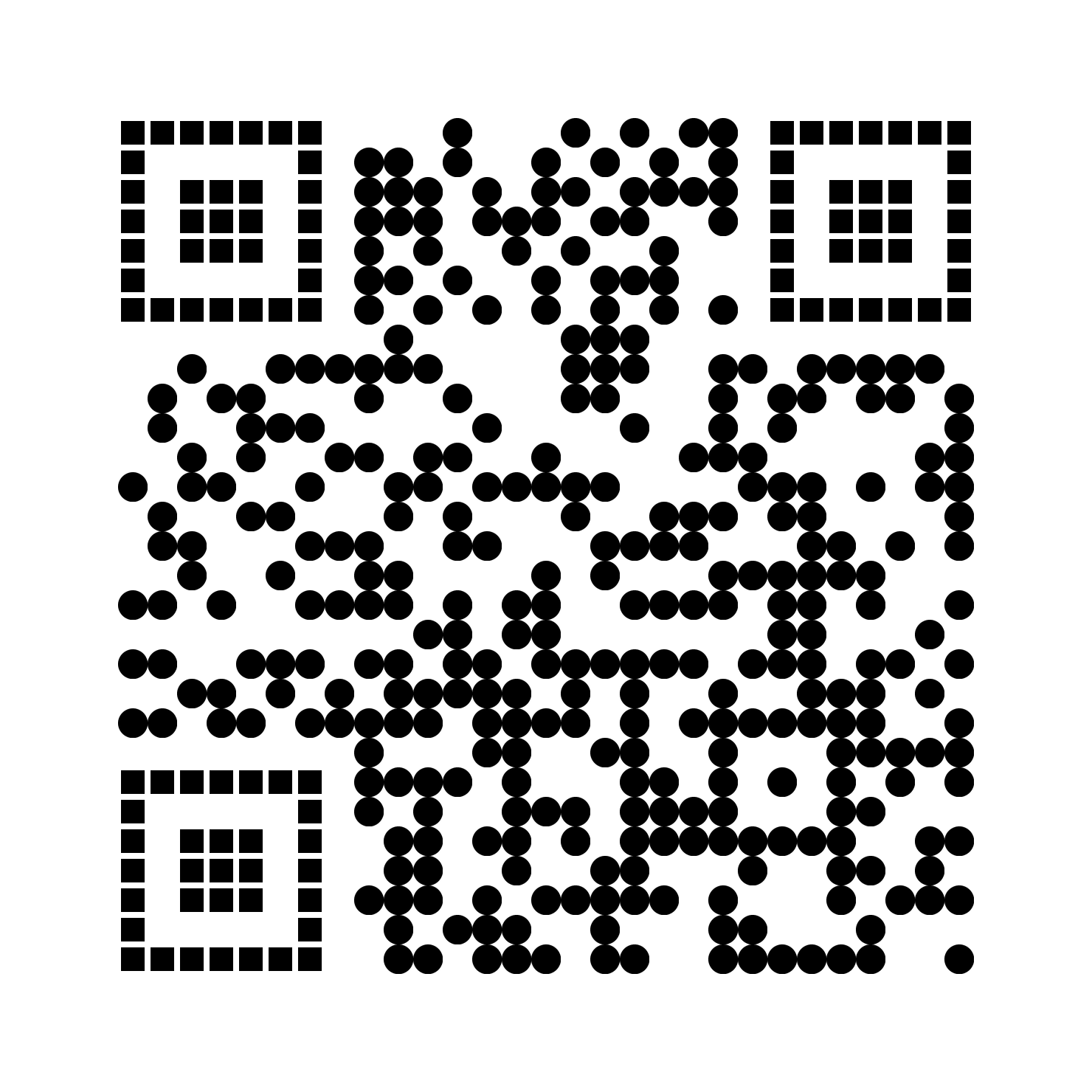
circle__gapped_square
circle__horizontal
circle__rounded
circle__square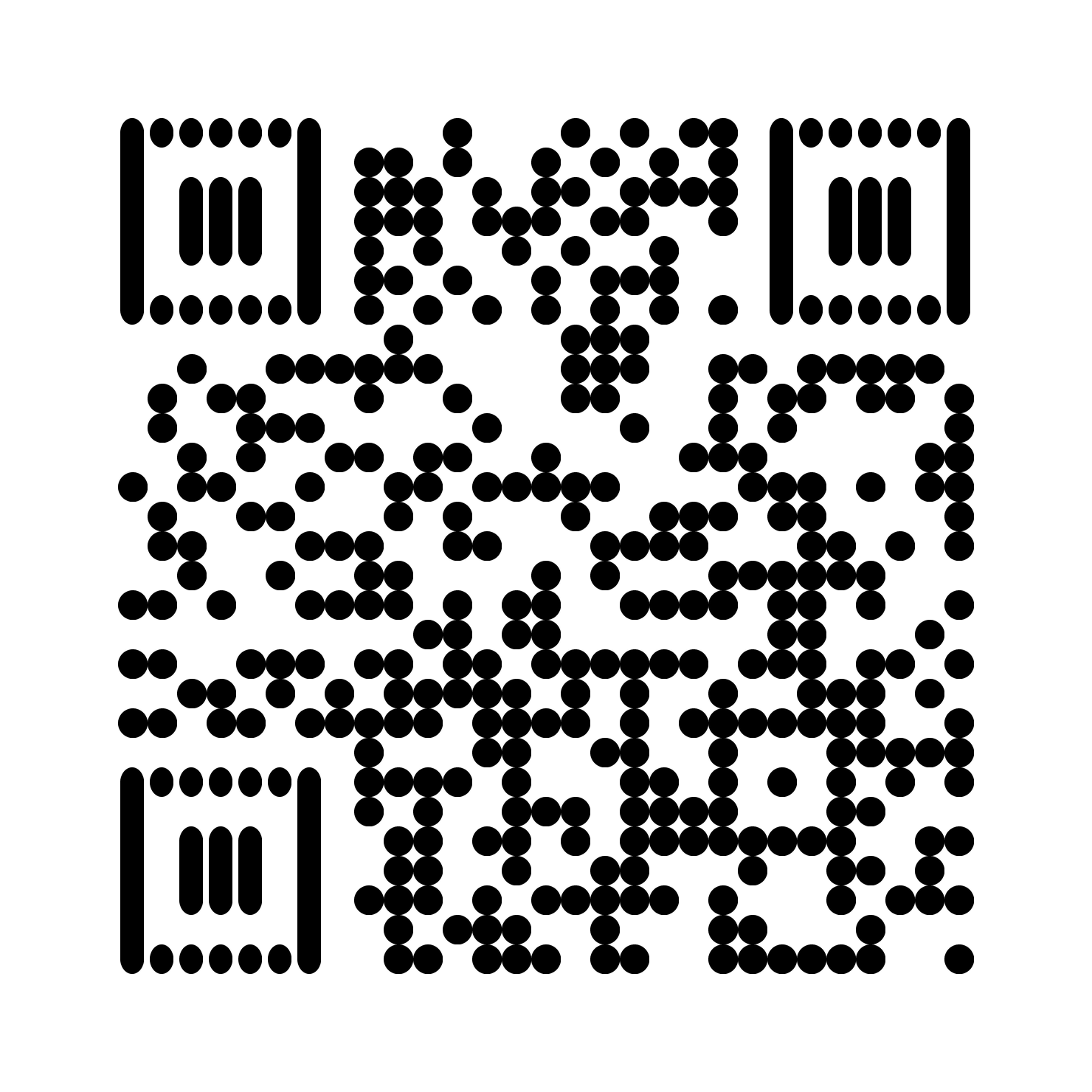
circle__vertical
custom_eye__circle
custom_eye__gapped_square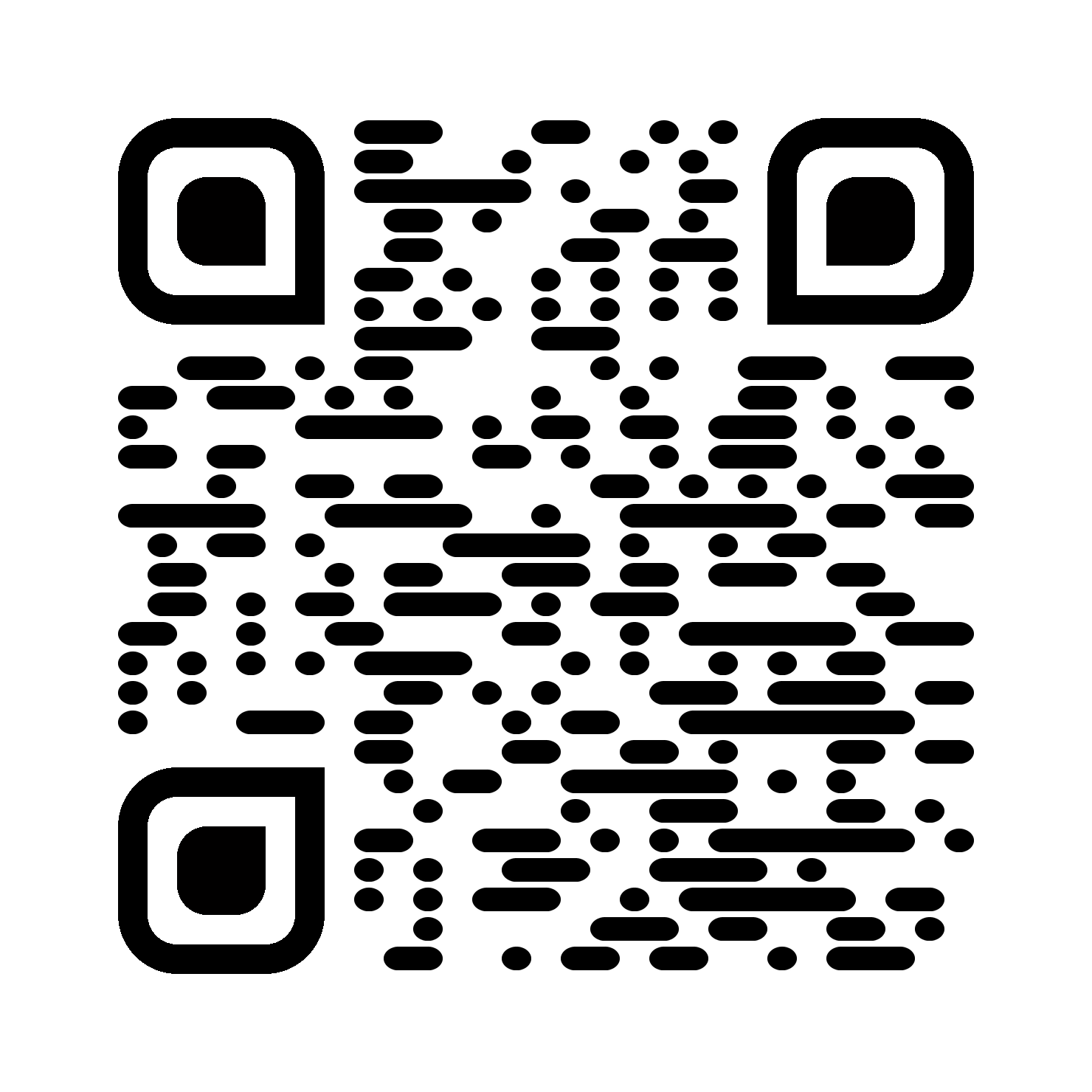
custom_eye__horizontal
custom_eye__rounded
custom_eye__square
custom_eye__vertical
gapped_square__circle
gapped_square__gapped_square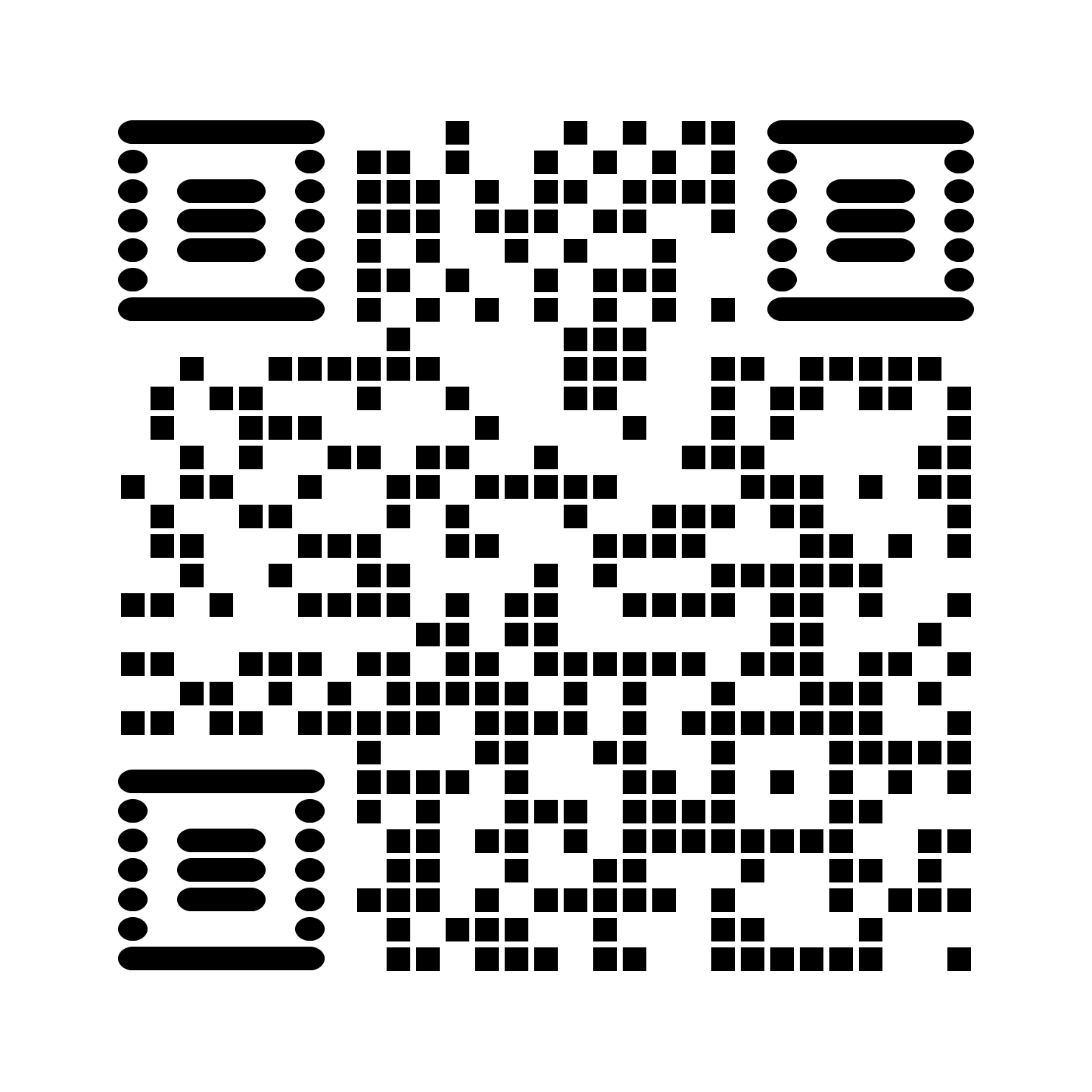
gapped_square__horizontal
gapped_square__rounded
gapped_square__square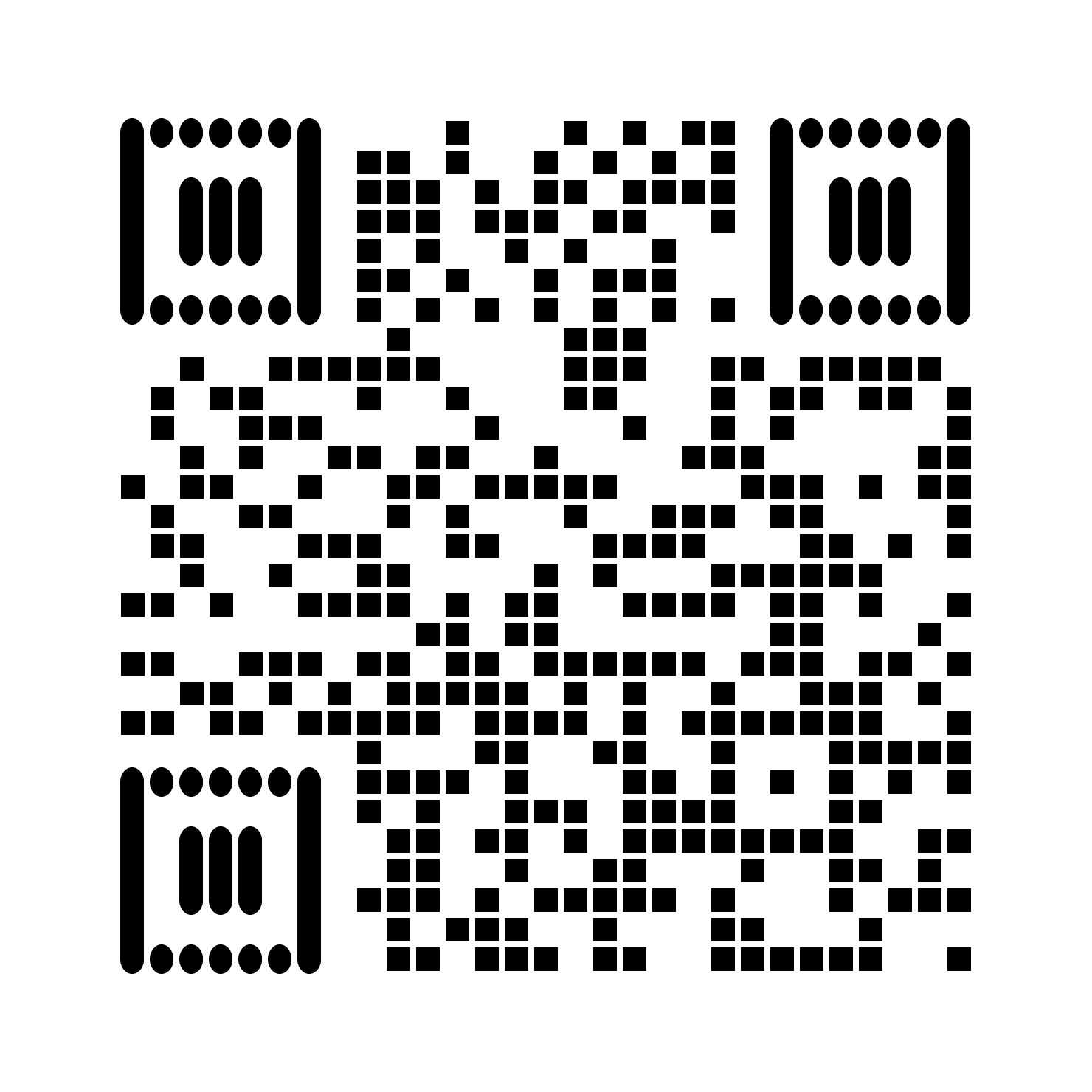
gapped_square__vertical
gradiant_horizontal
gradiant_radial
gradiant_square
gradiant_vertical
gradiant_diagonal
gradiant_antidiagonal
gradiant_rainbow
gradiant_sunset
gradiant_ocean
gradiant_fire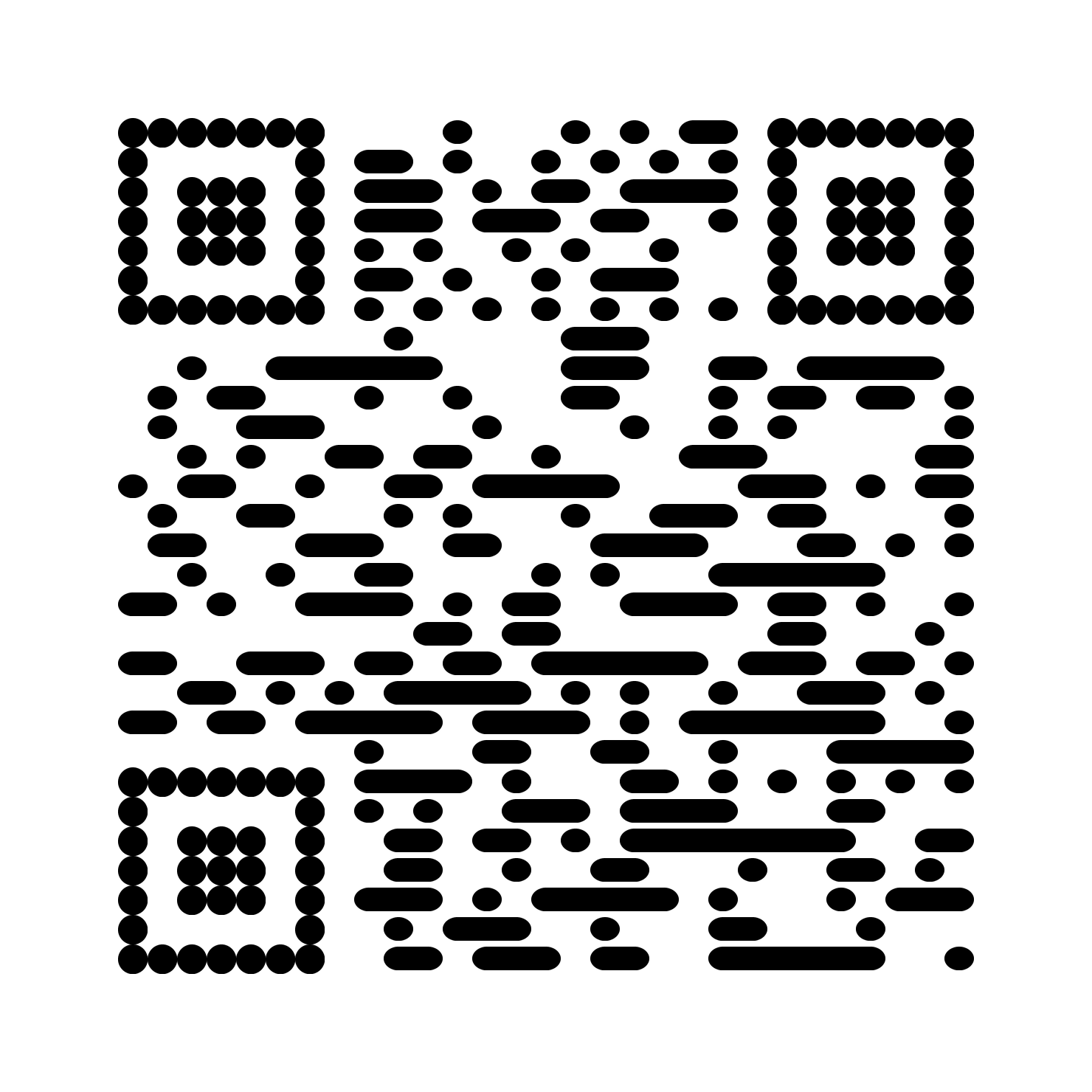
horizontal__circle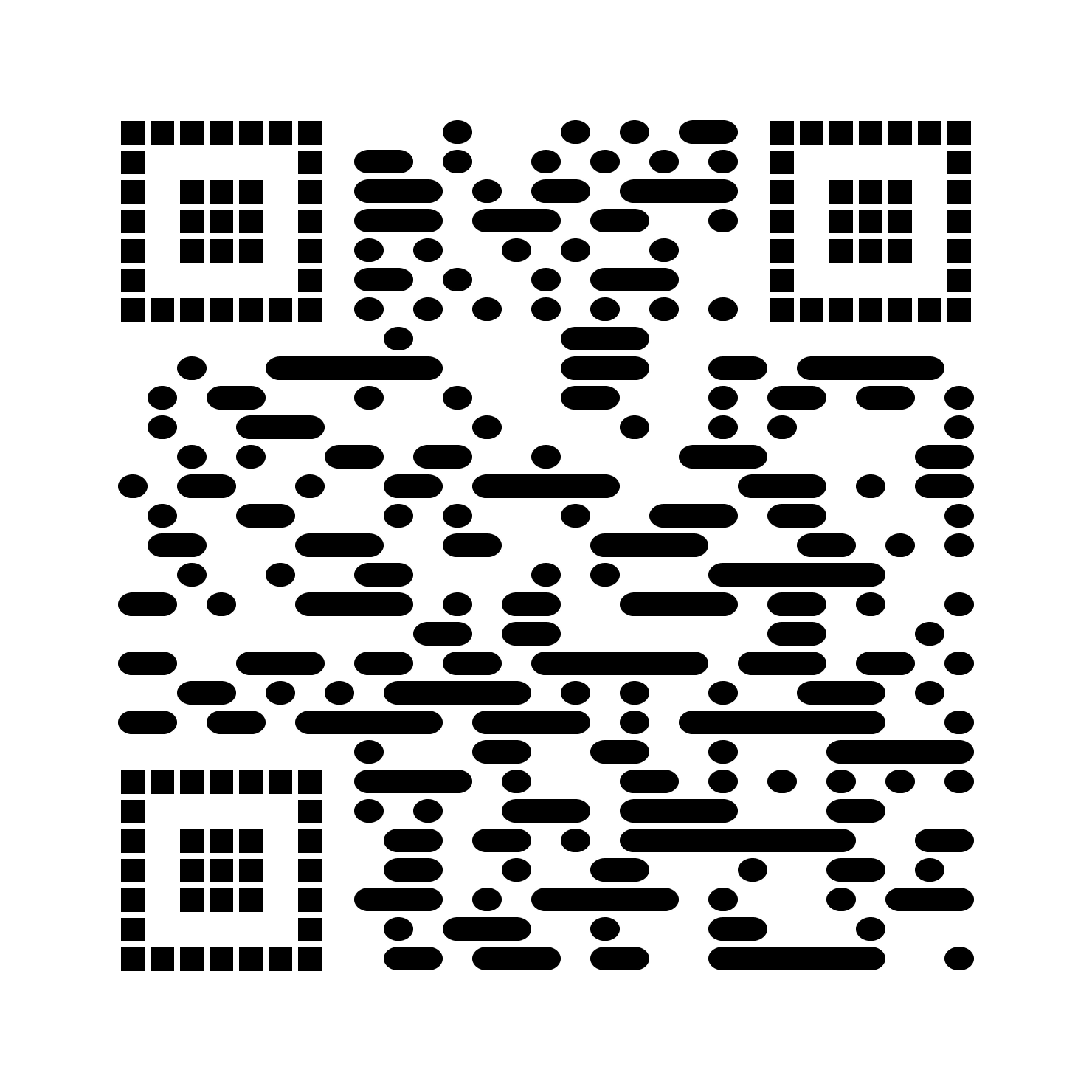
horizontal__gapped_square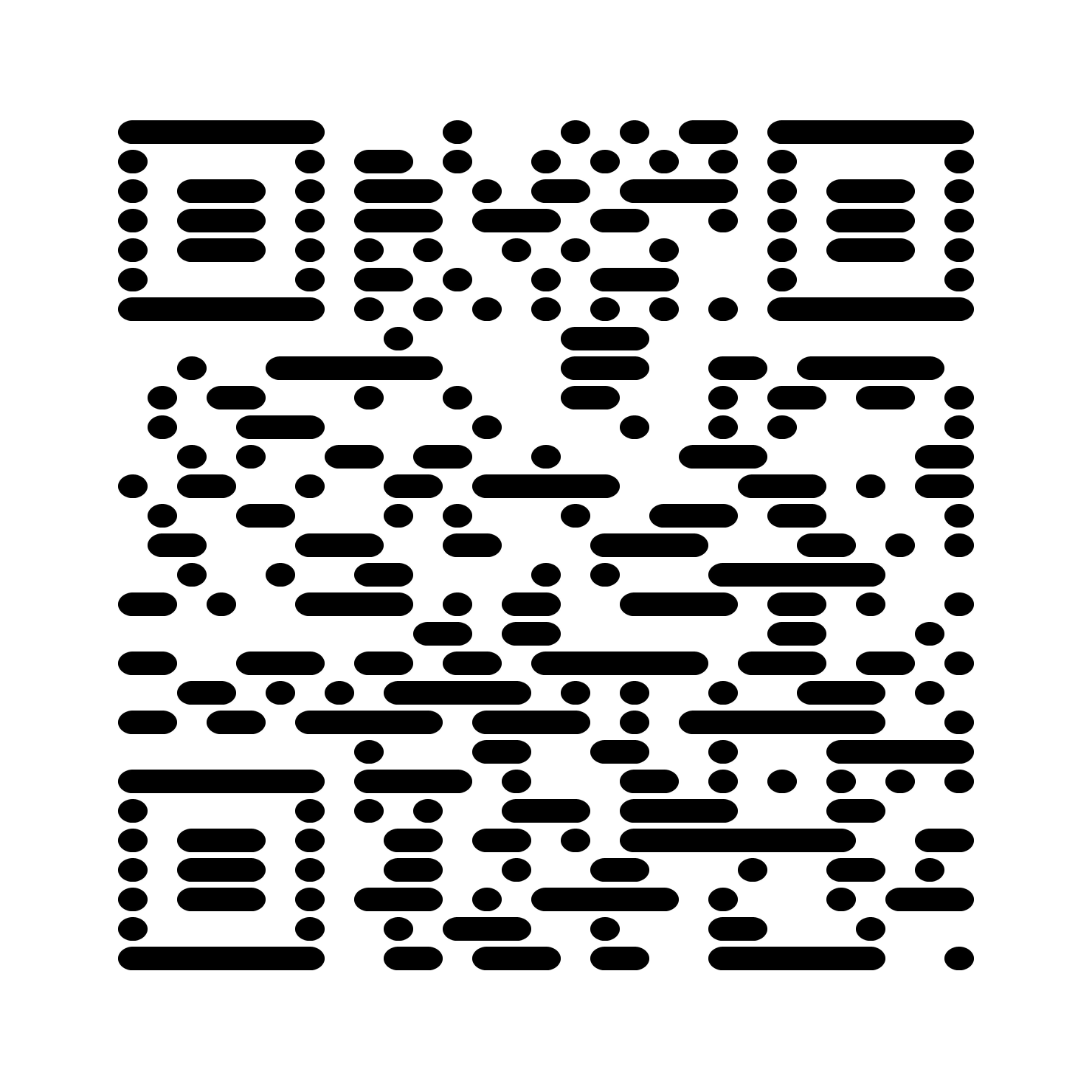
horizontal__horizontal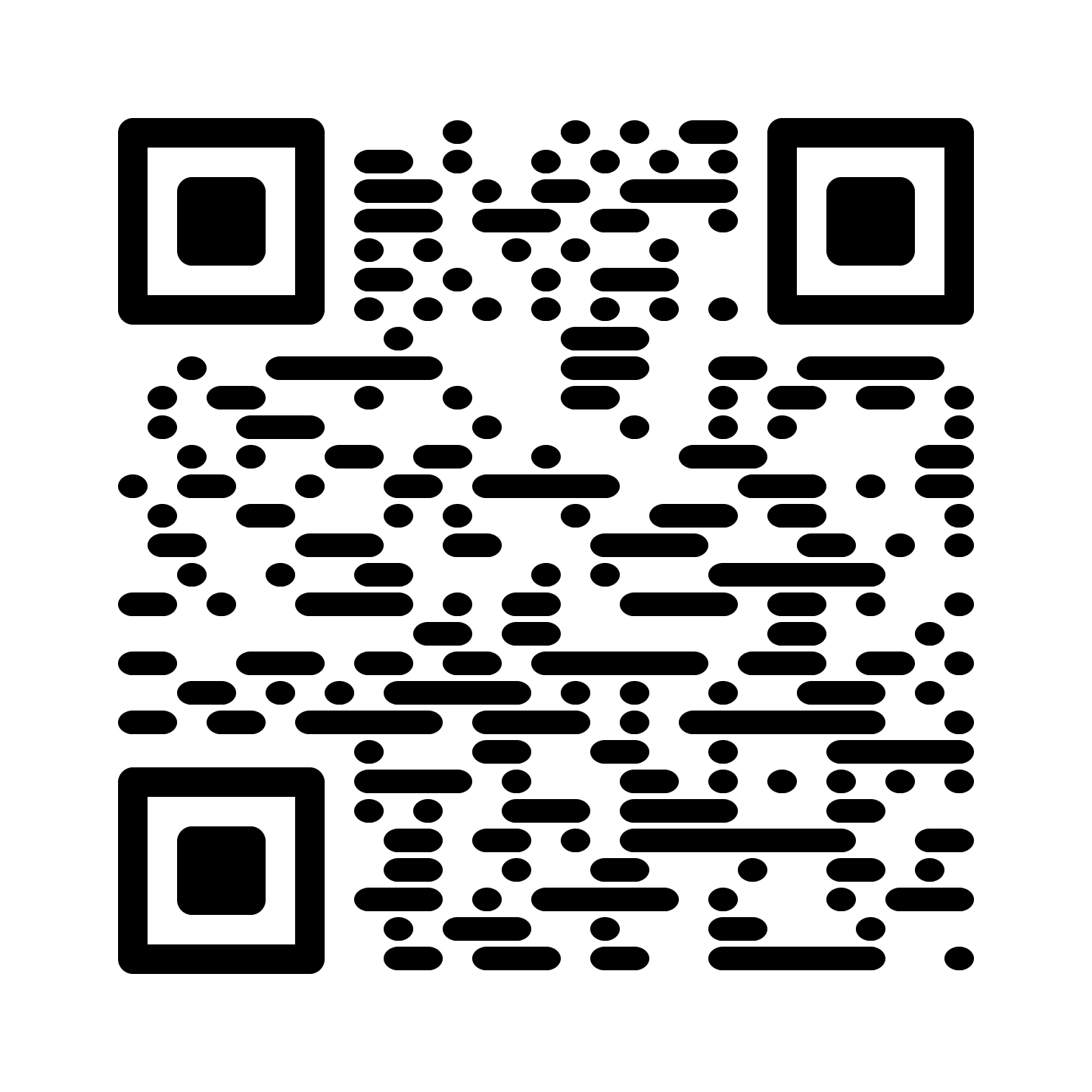
horizontal__rounded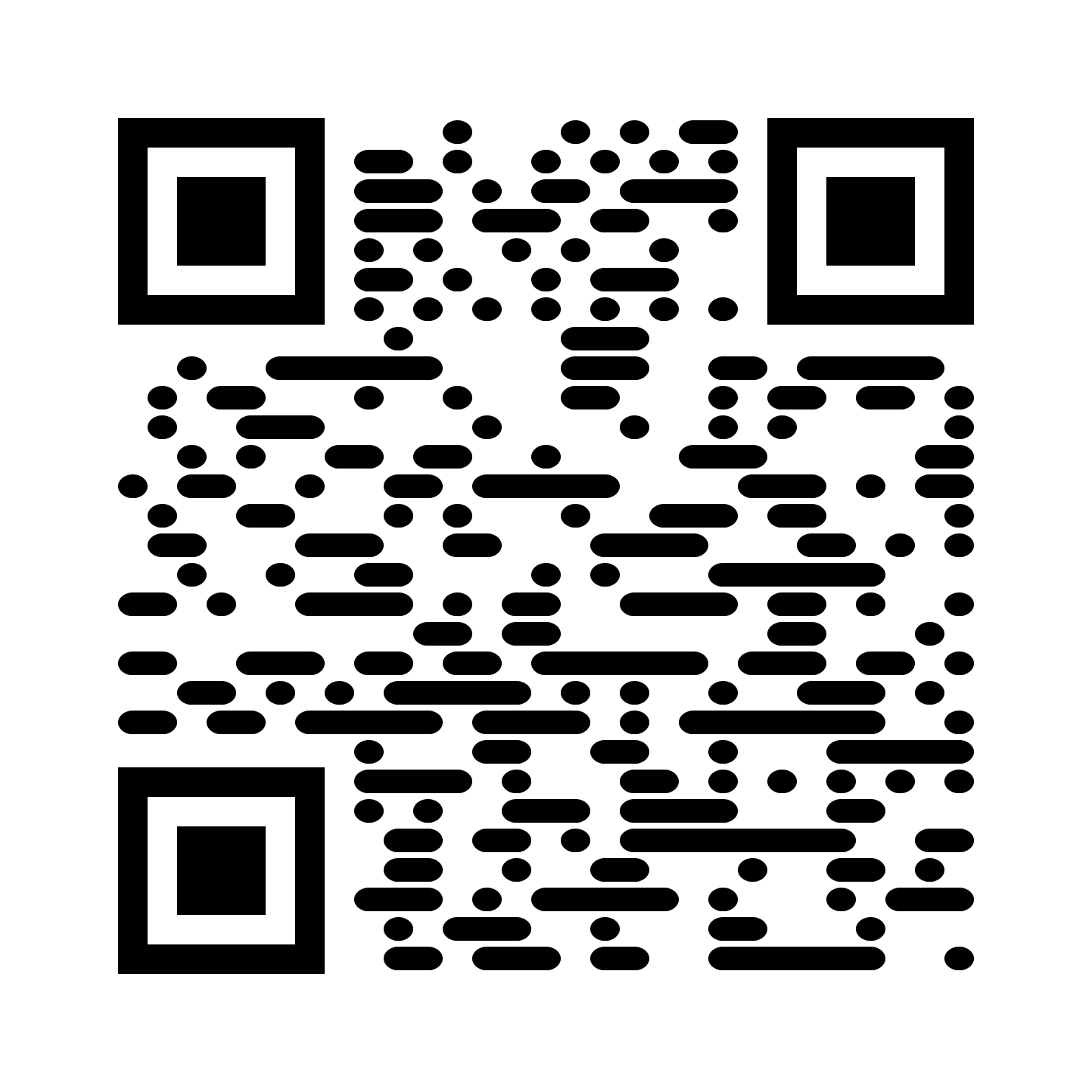
horizontal__square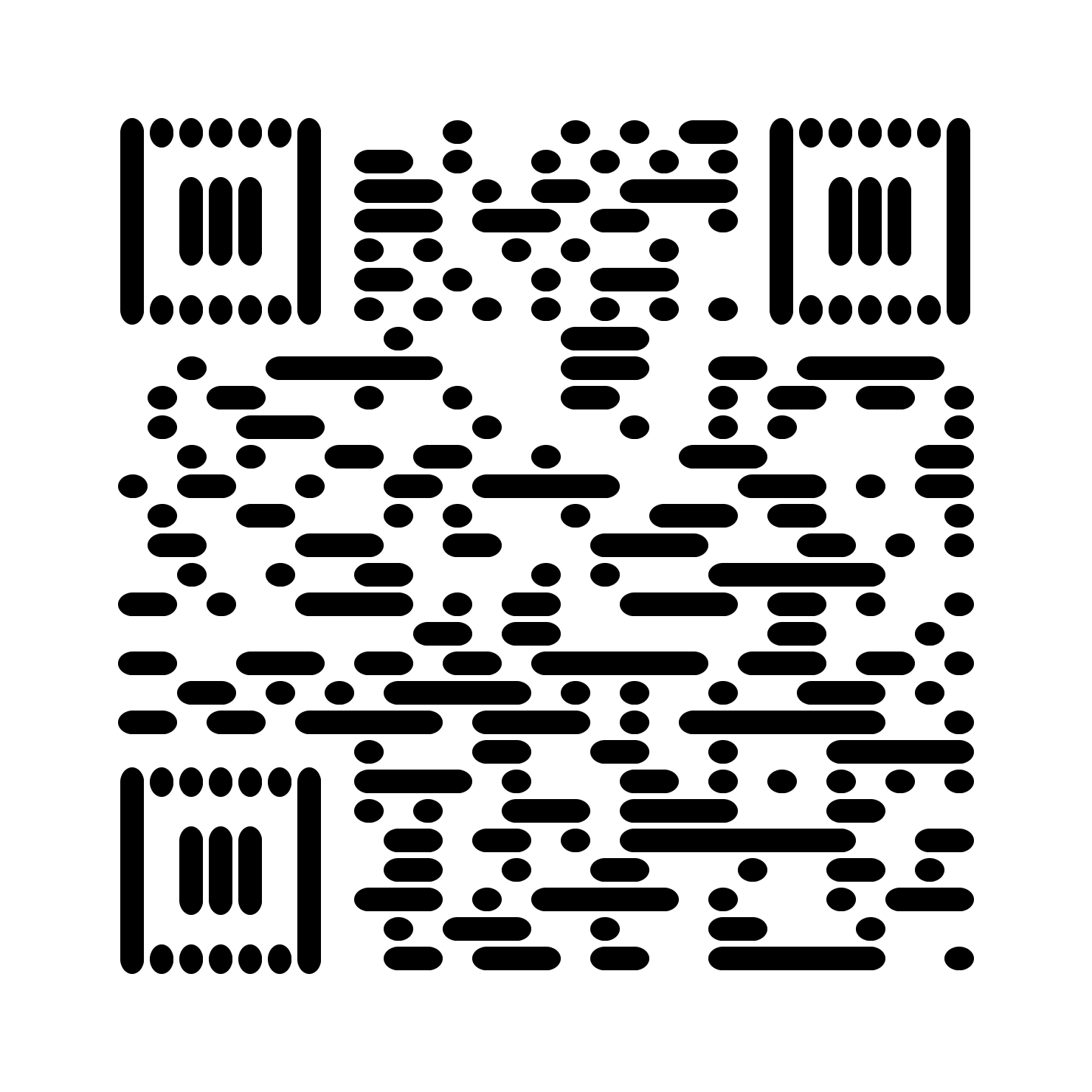
horizontal__vertical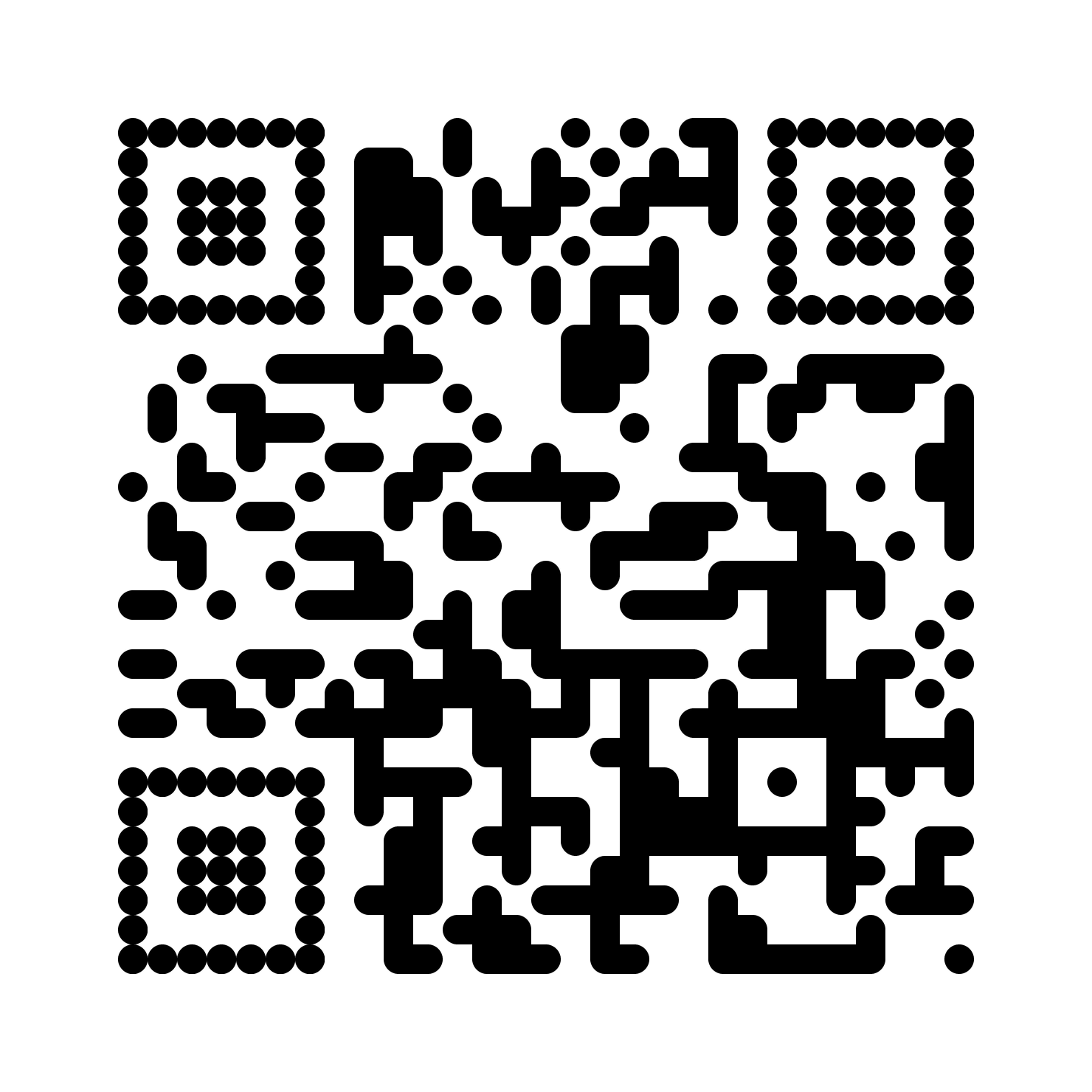
rounded__circle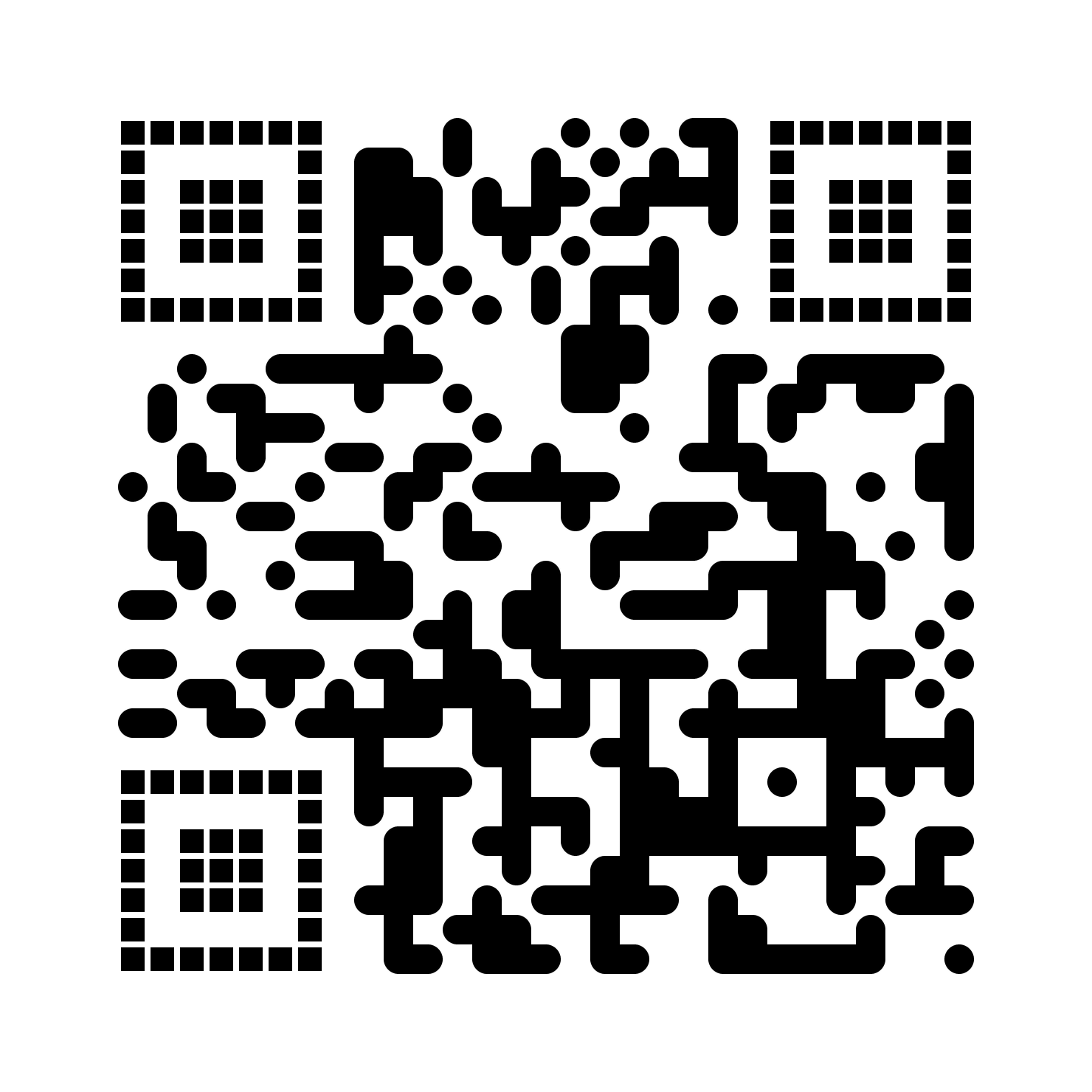
rounded__gapped_square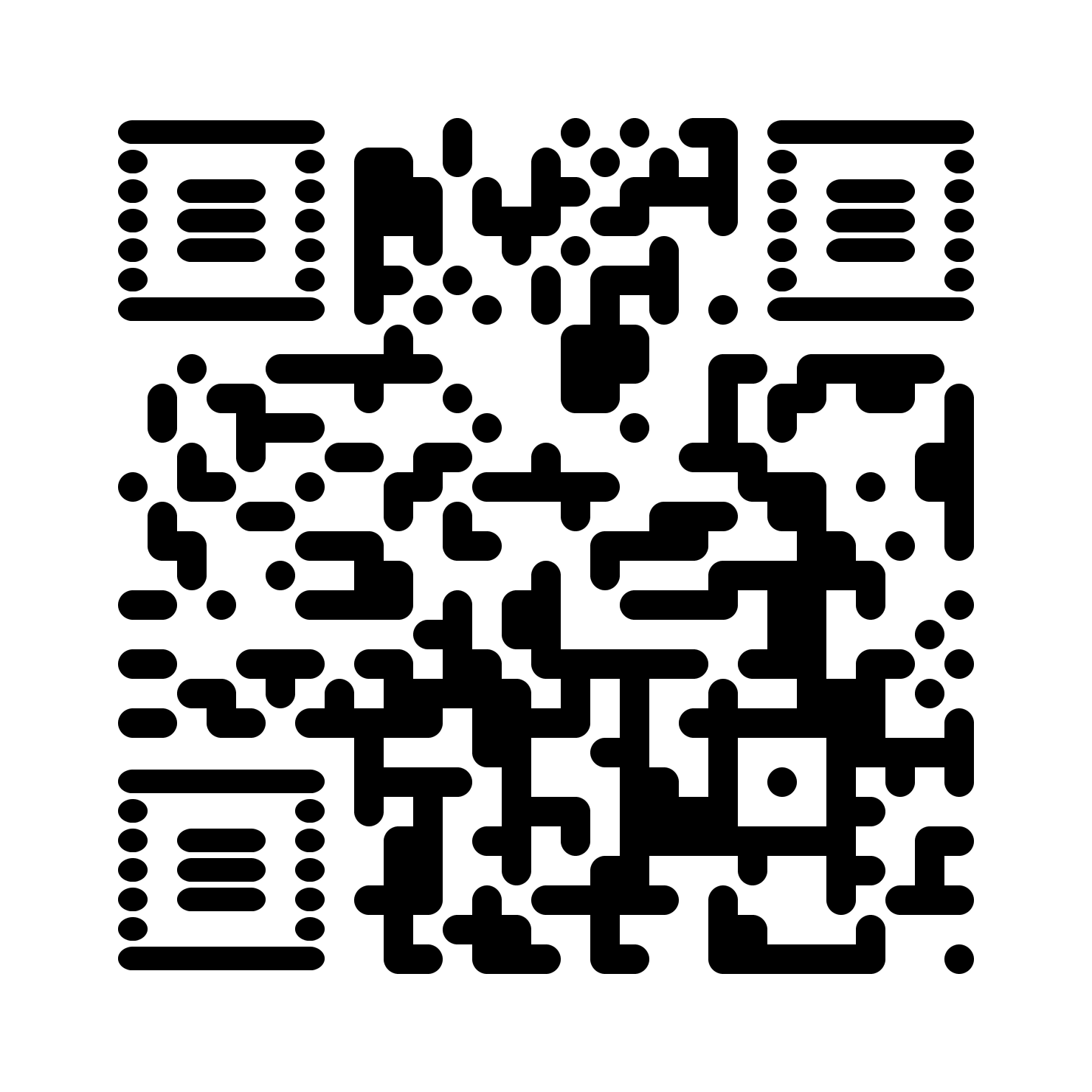
rounded__horizontal
rounded__rounded
rounded__square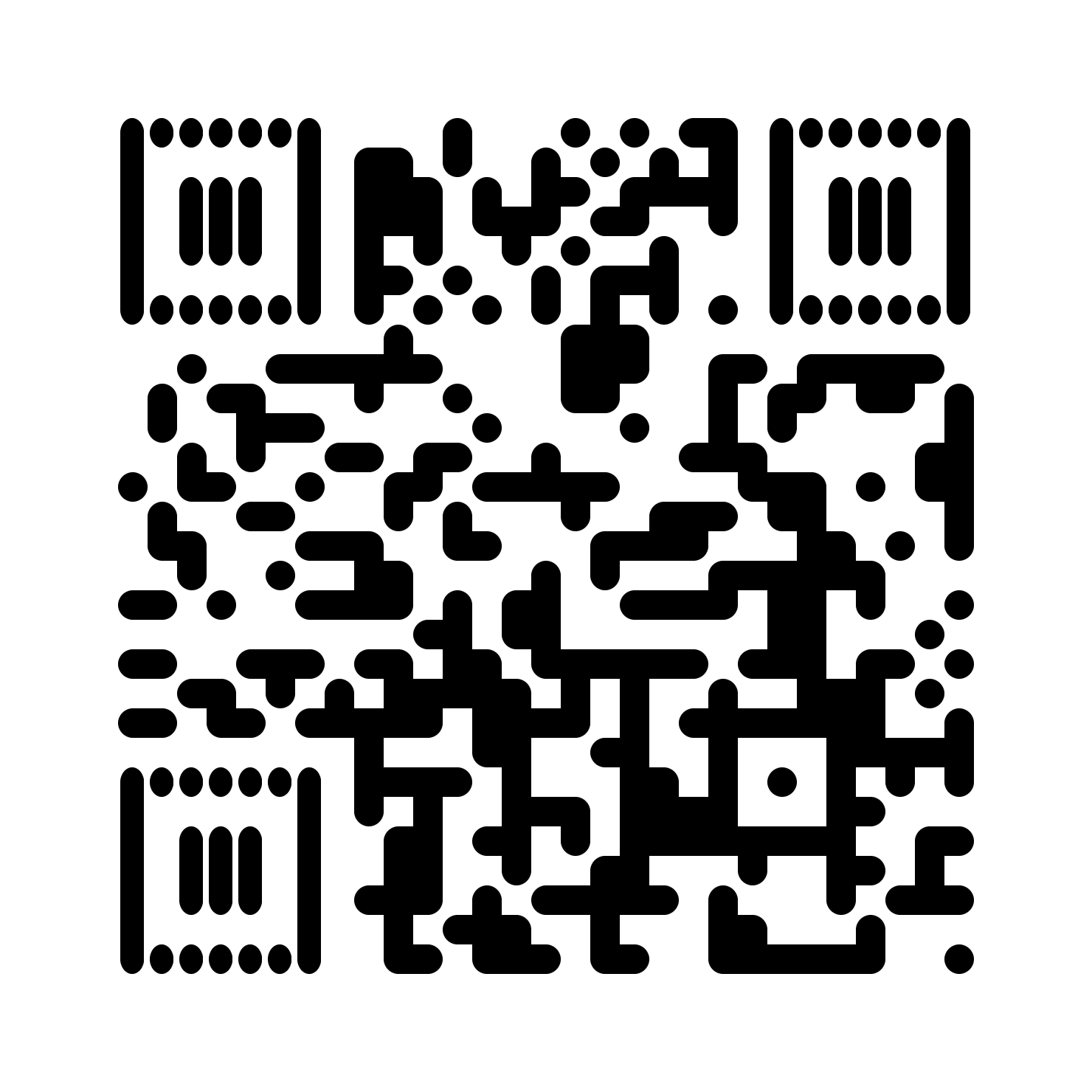
rounded__vertical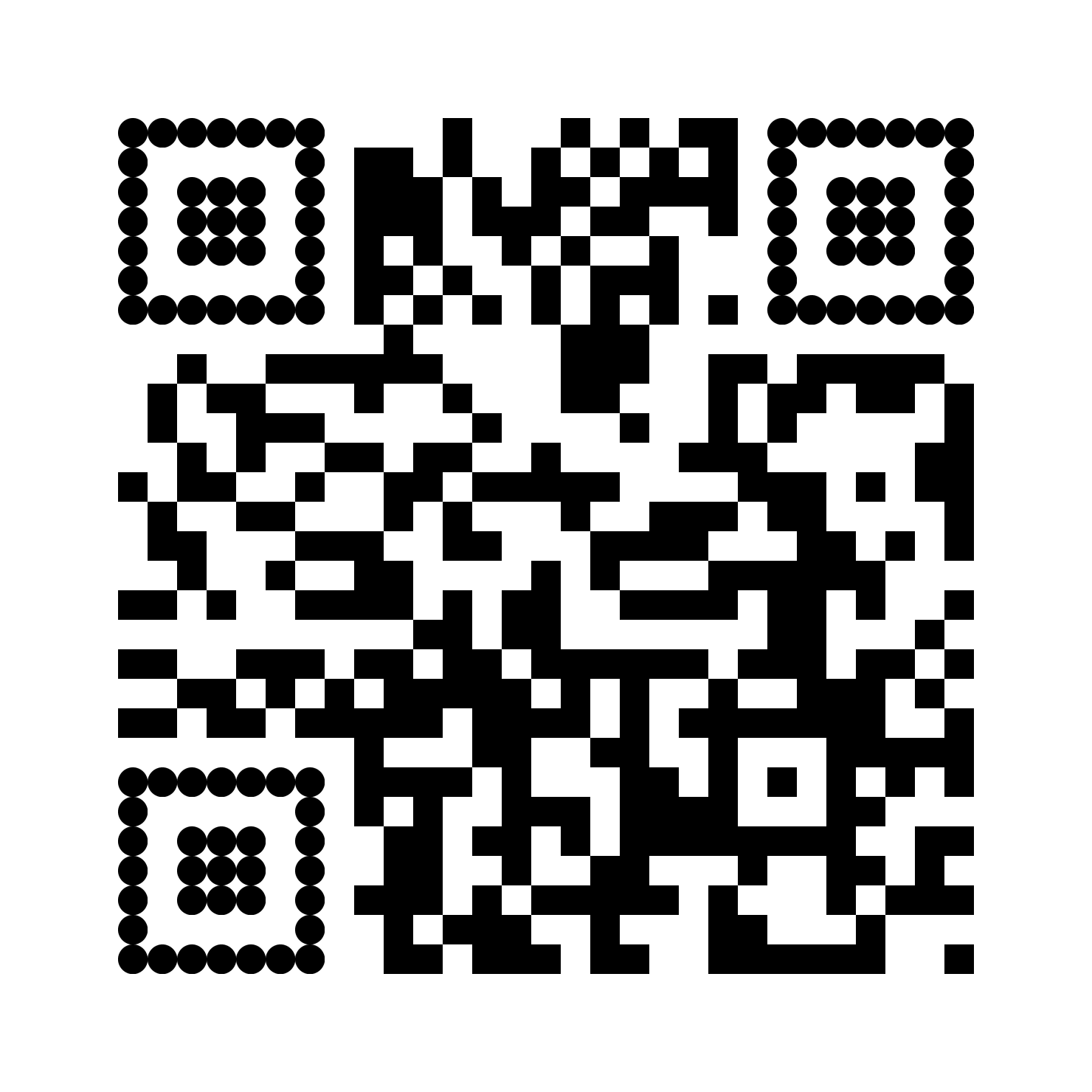
square__circle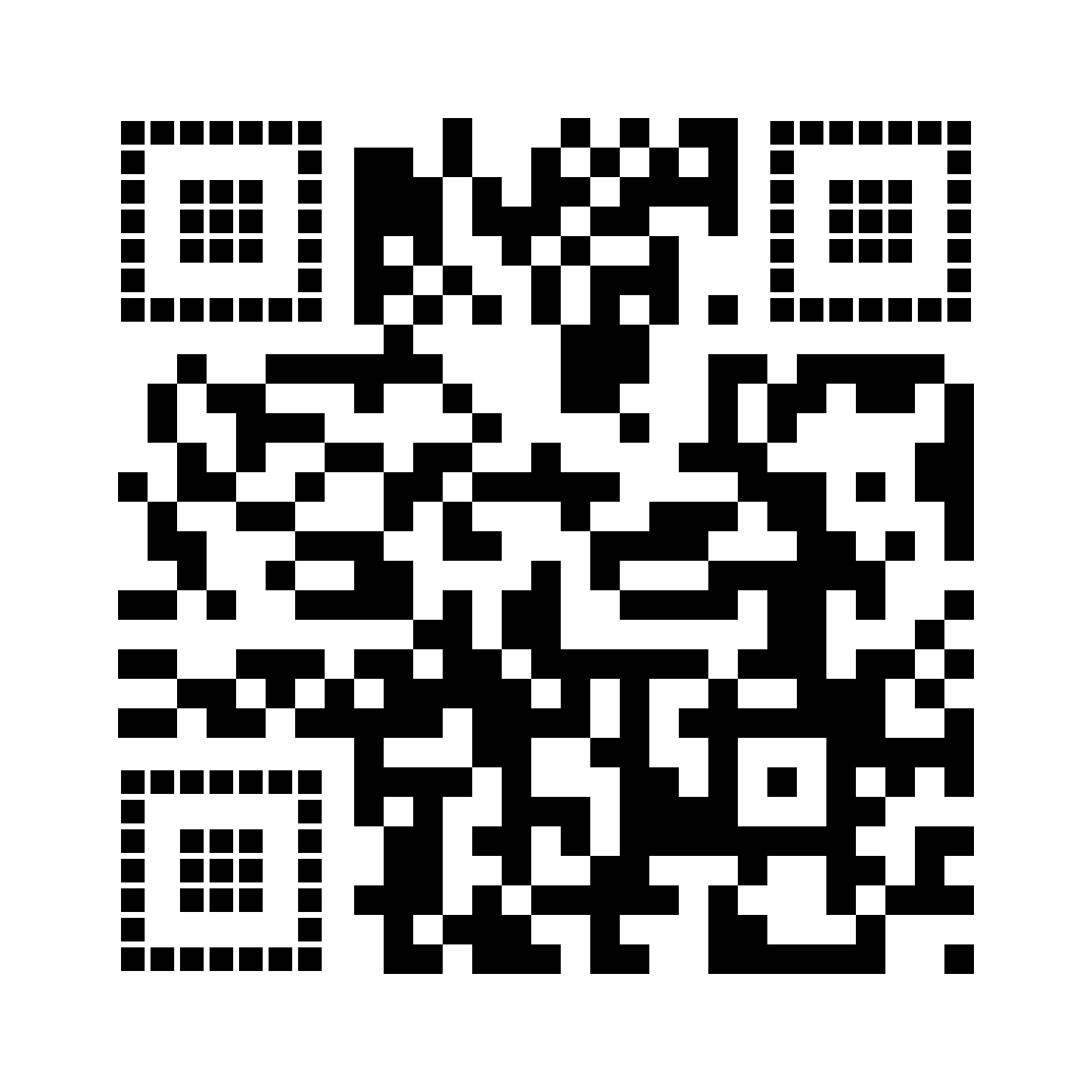
square__gapped_square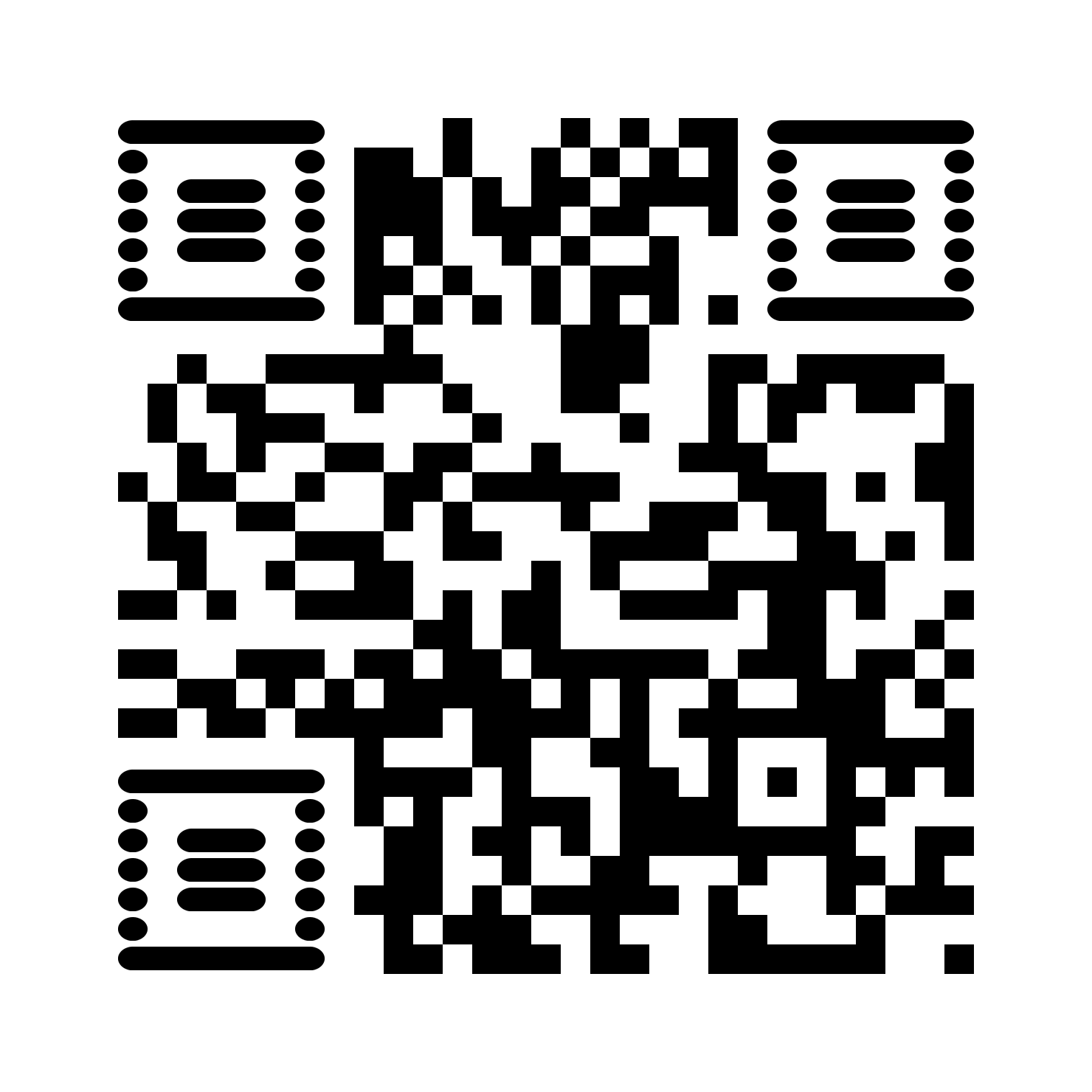
square__horizontal
square__rounded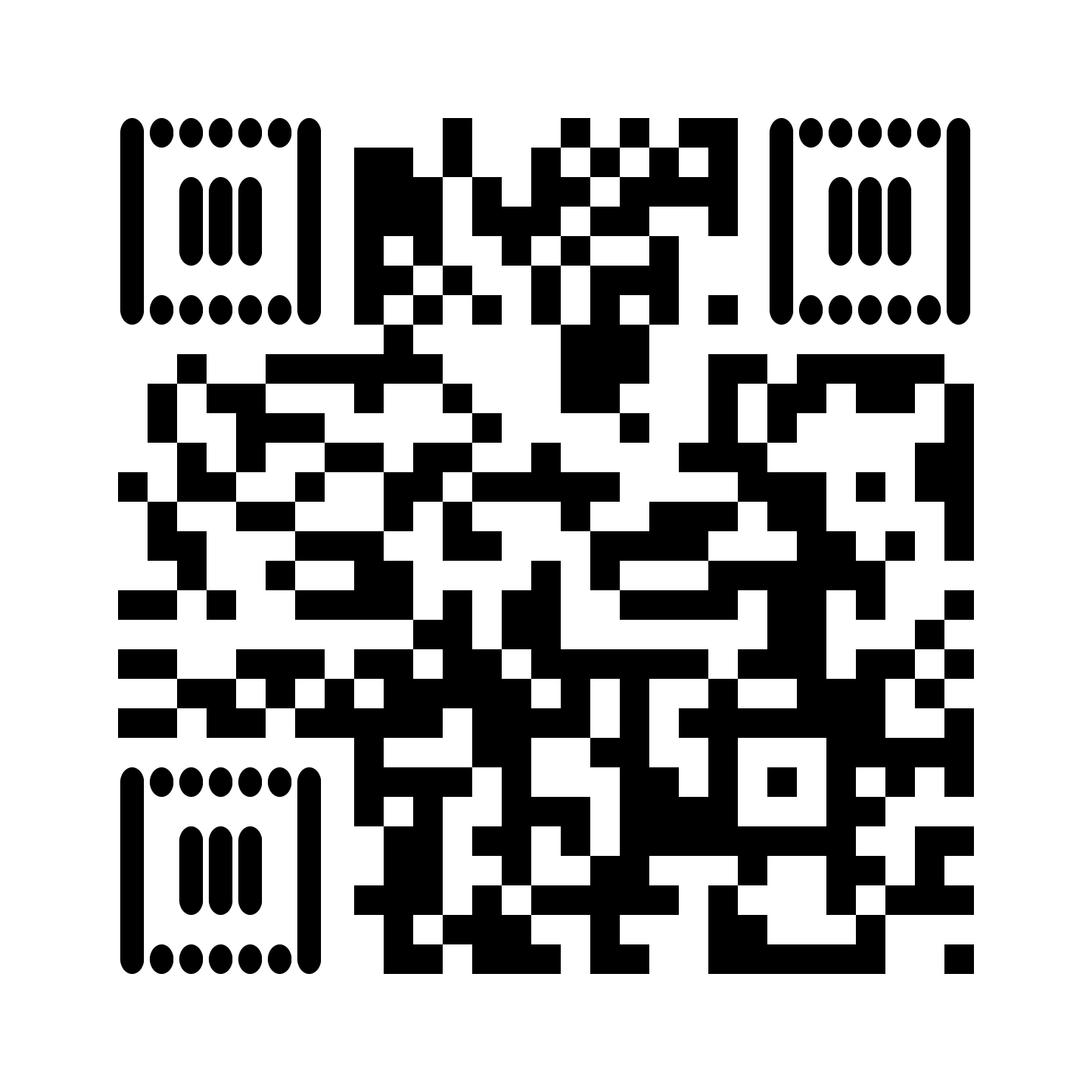
square__vertical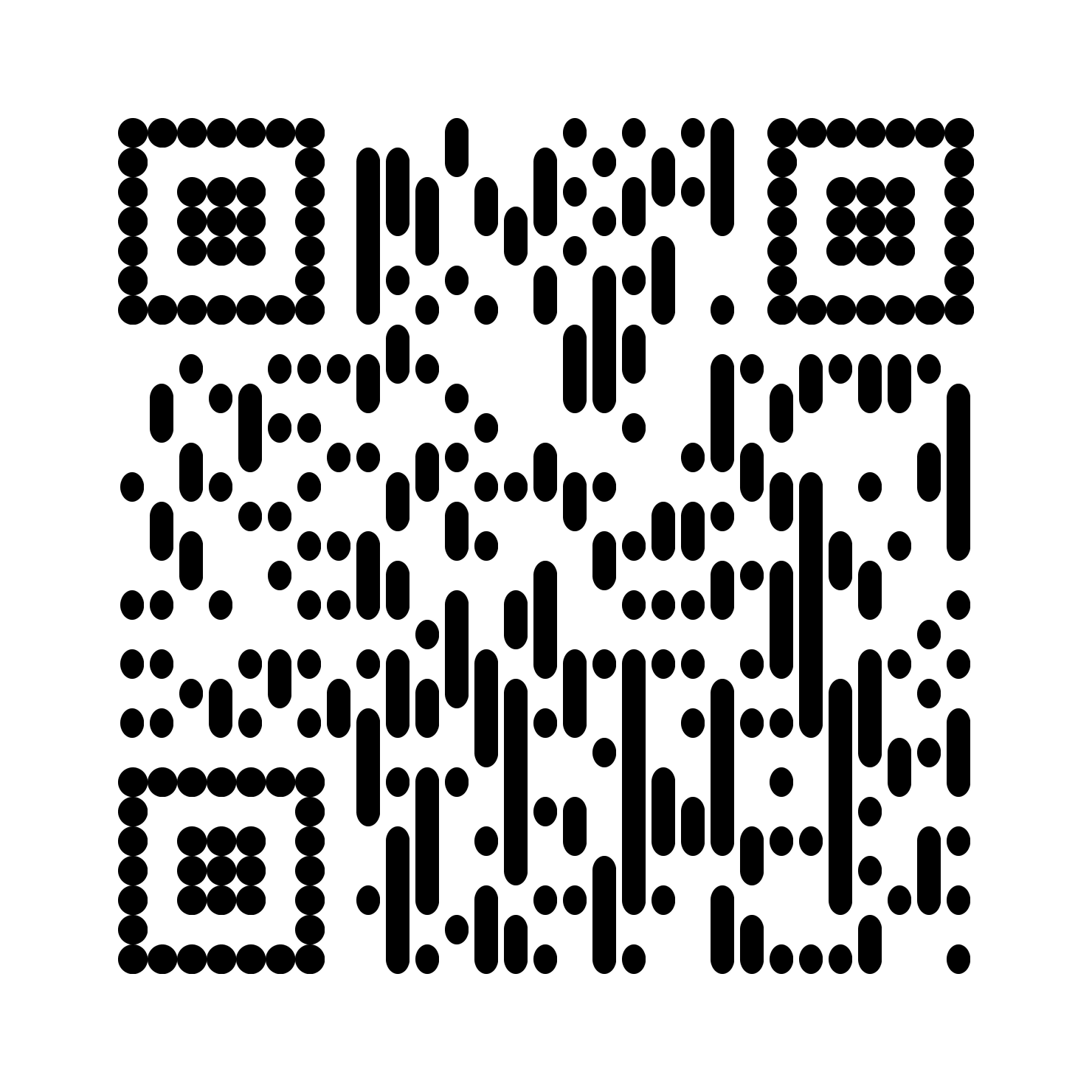
vertical__circle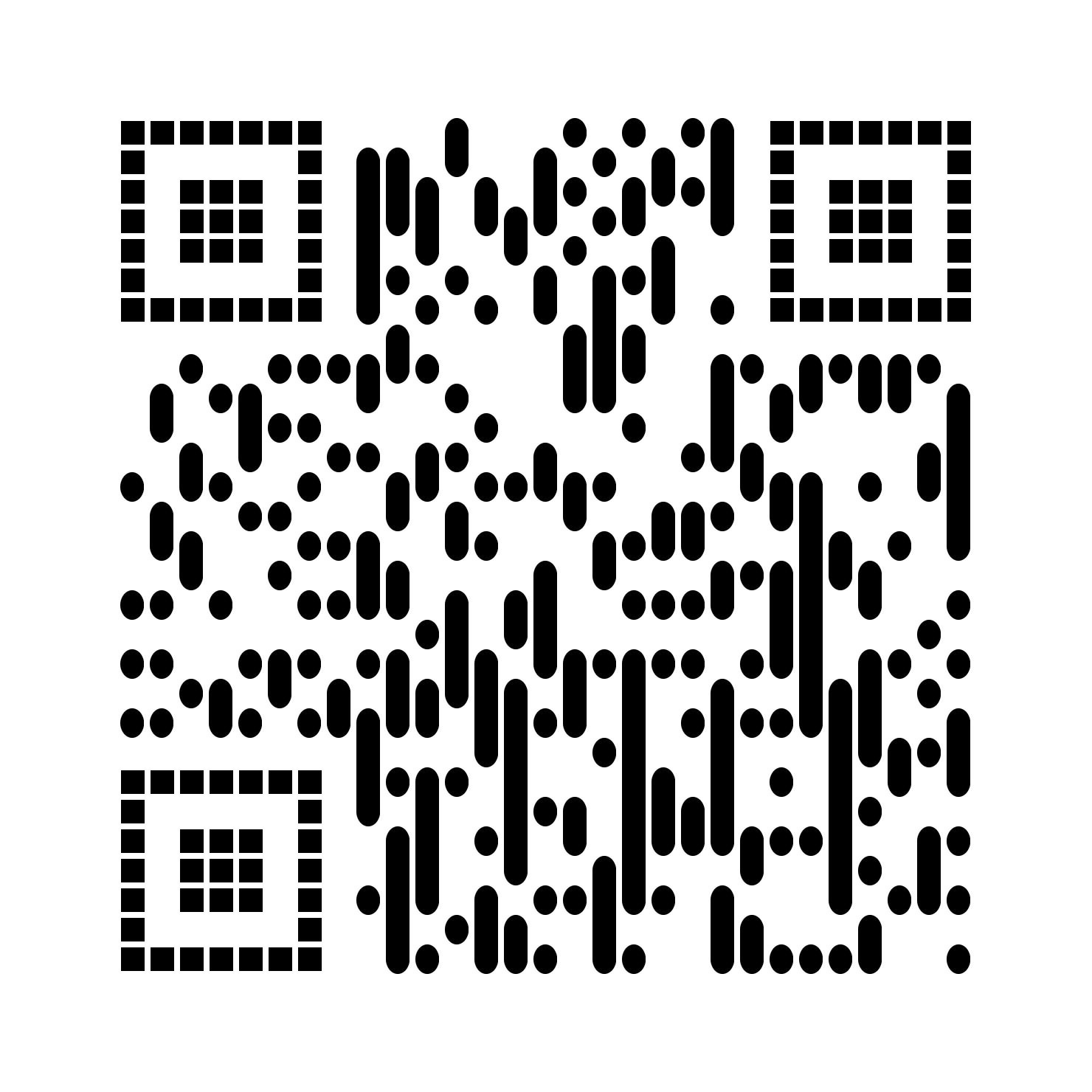
vertical__gapped_square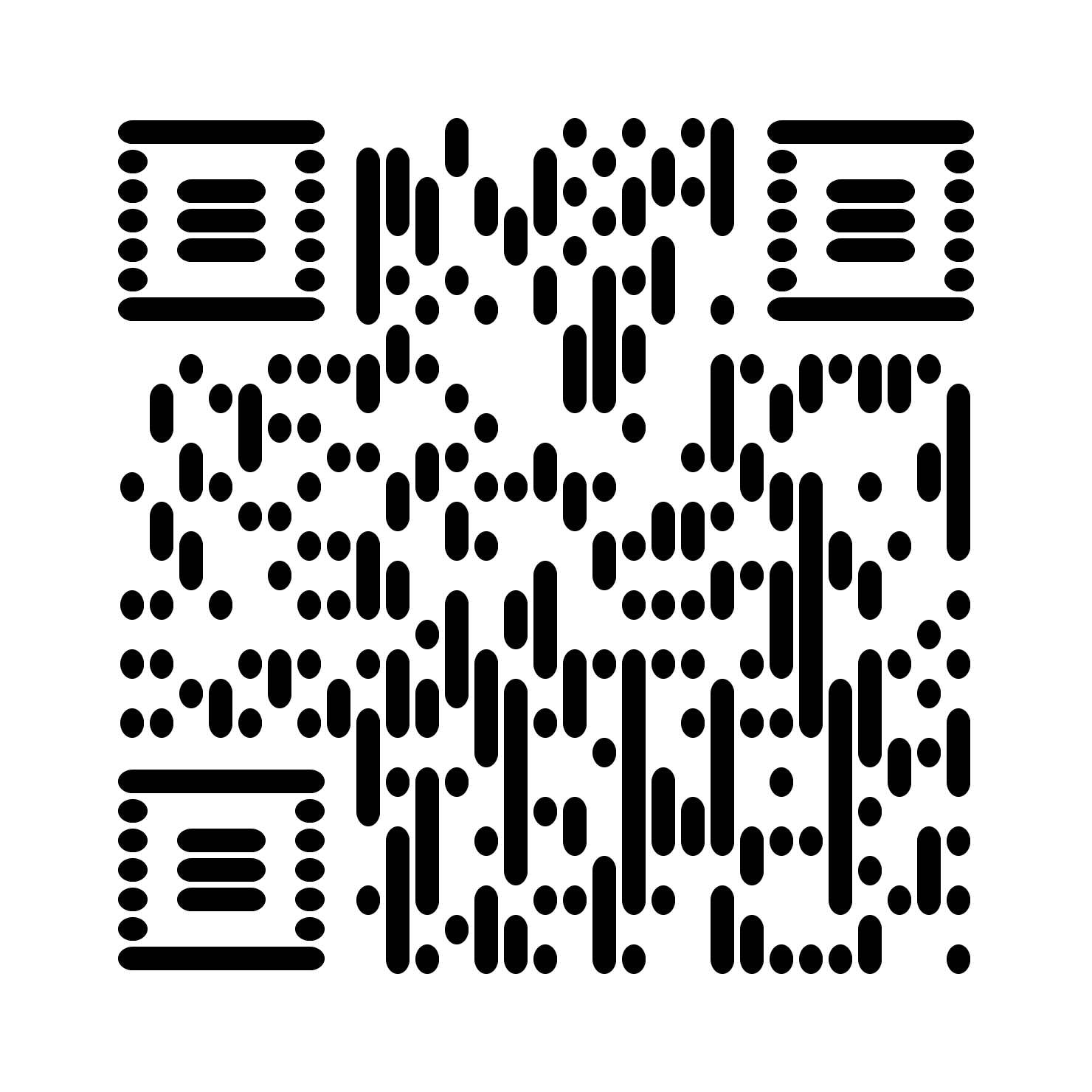
vertical__horizontal
vertical__rounded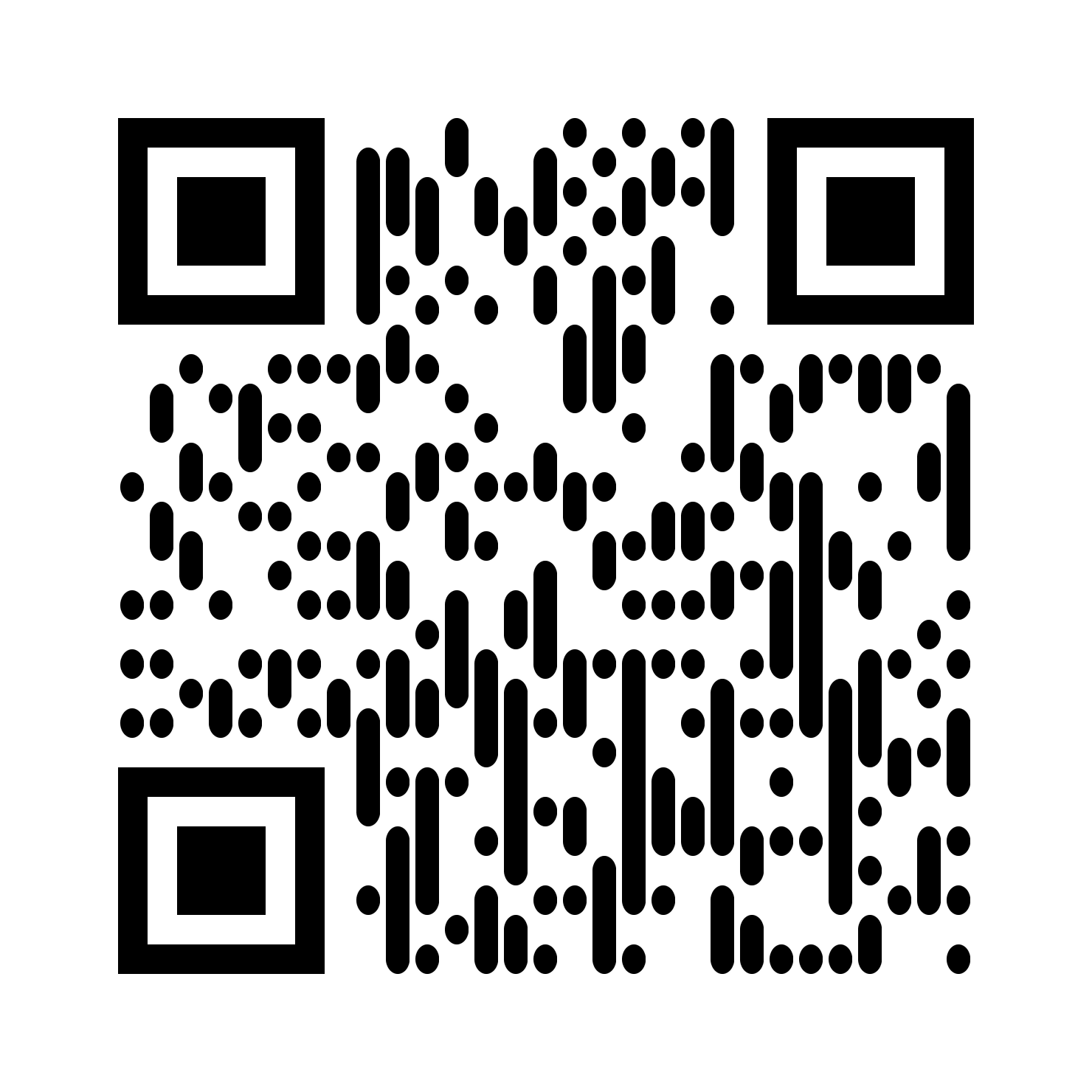
vertical__square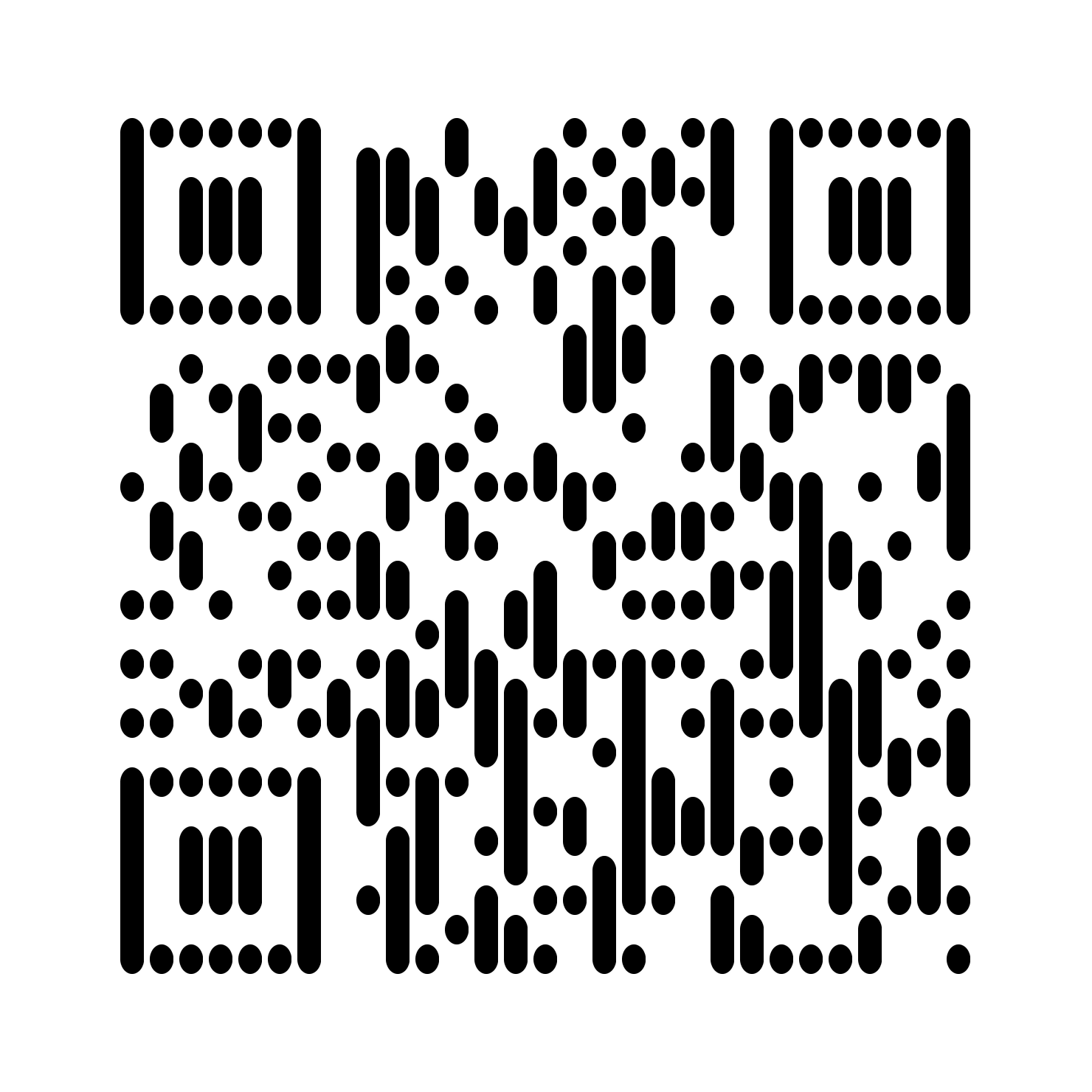
vertical__vertical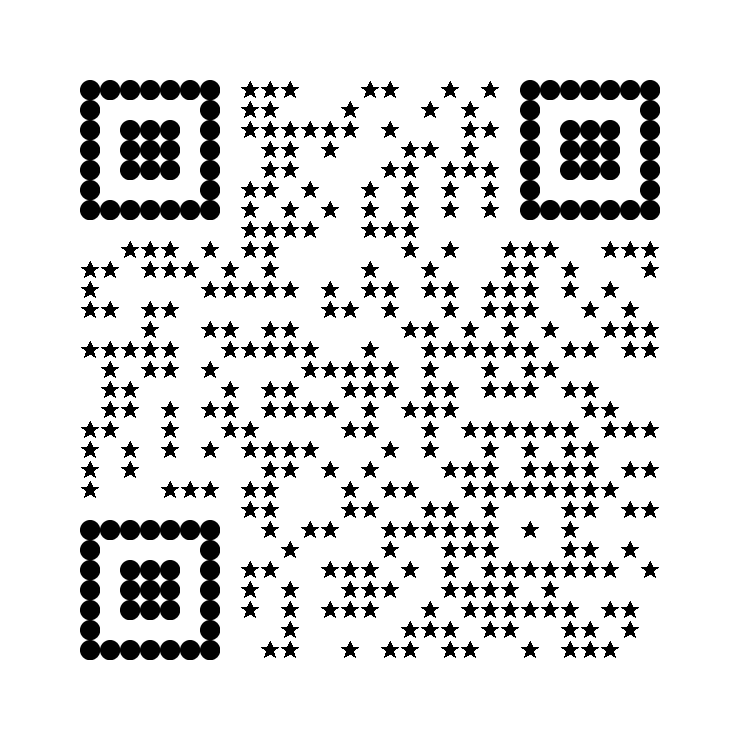
star__circle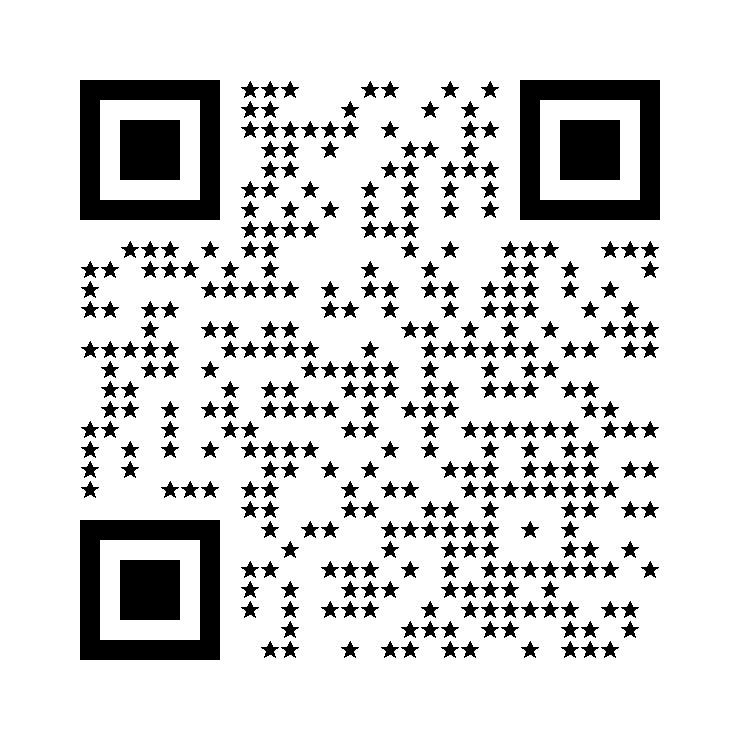
star__square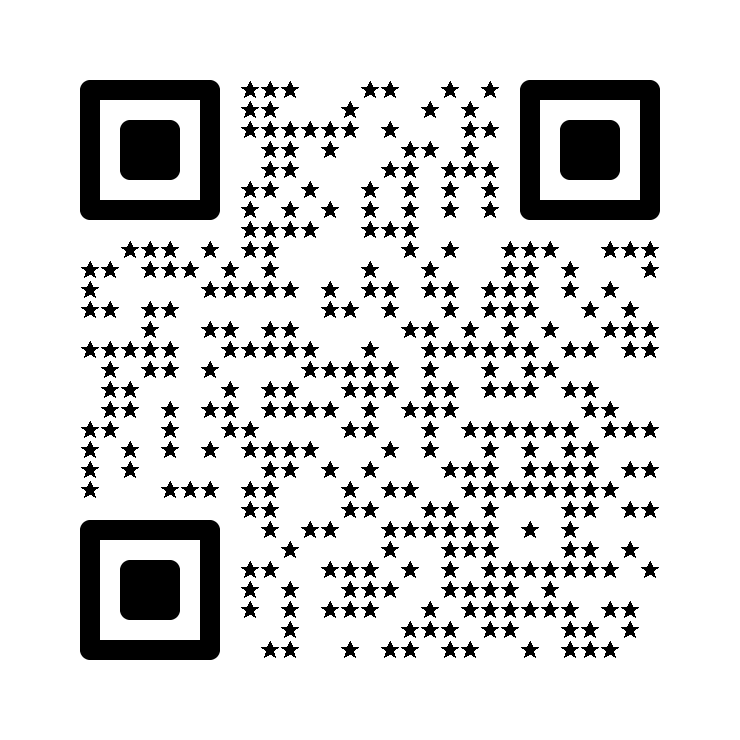
star__rounded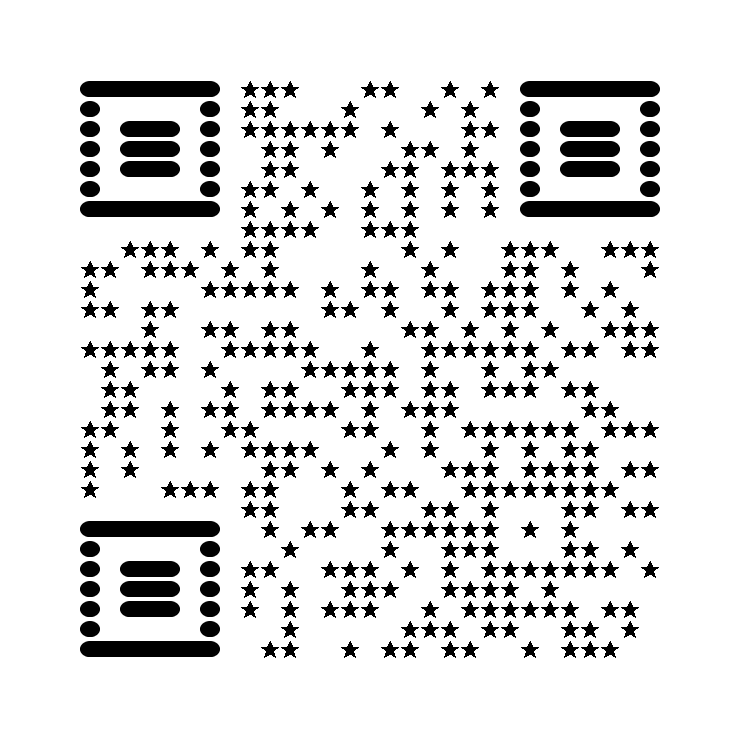
star__horizontal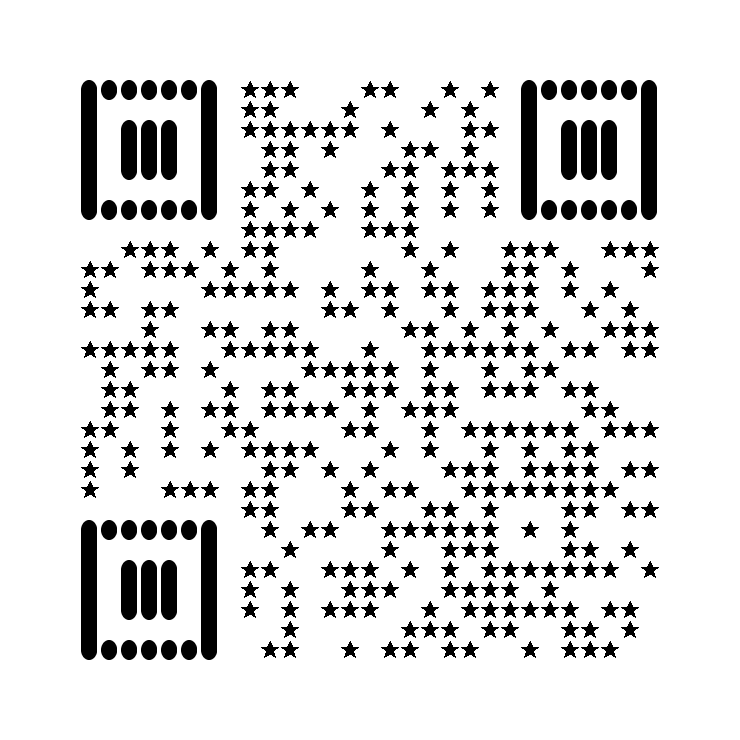
star__vertical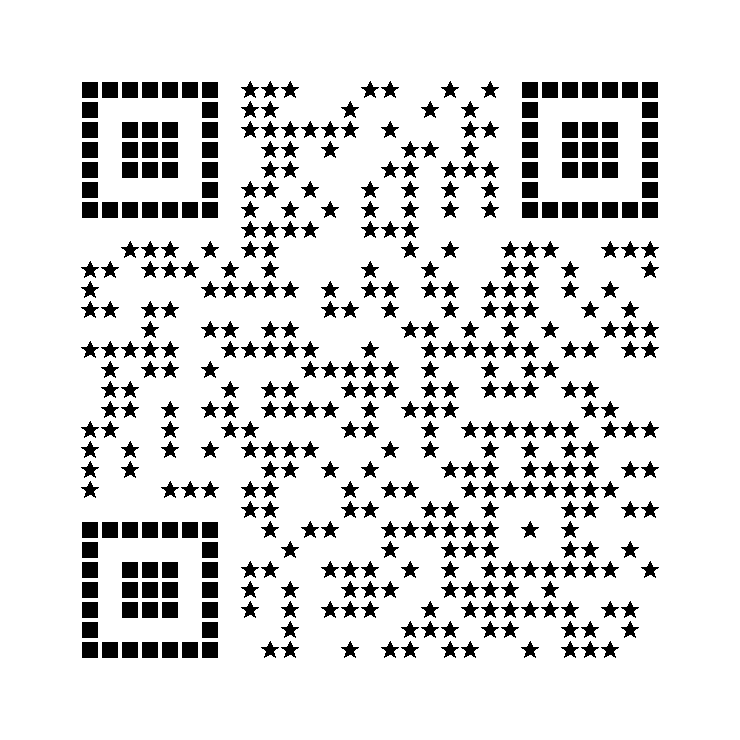
star__gapped_square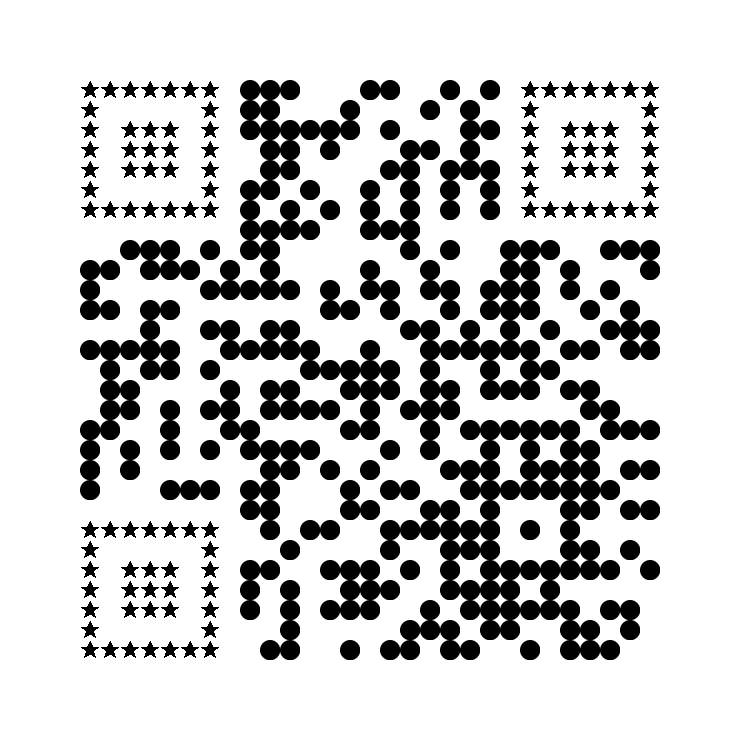
circle__star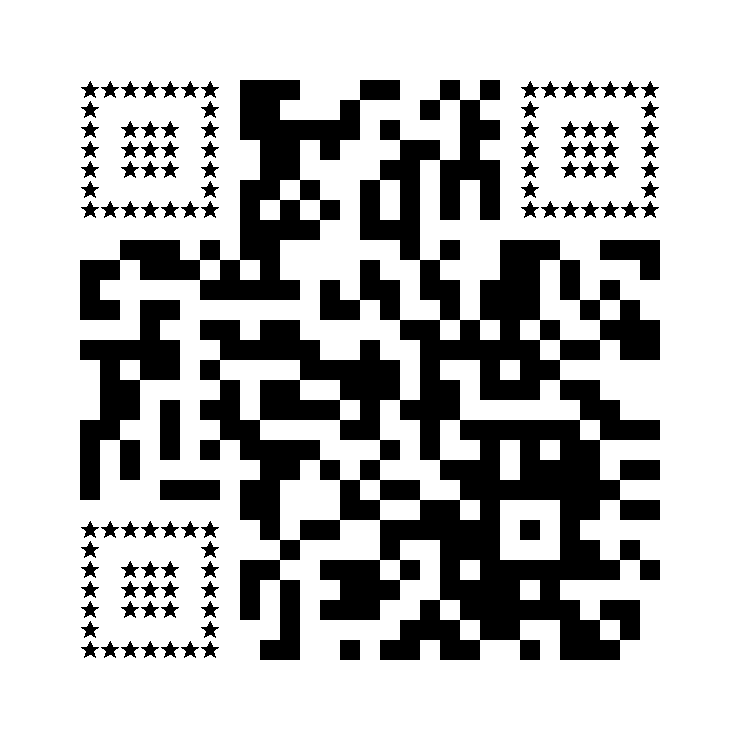
square__star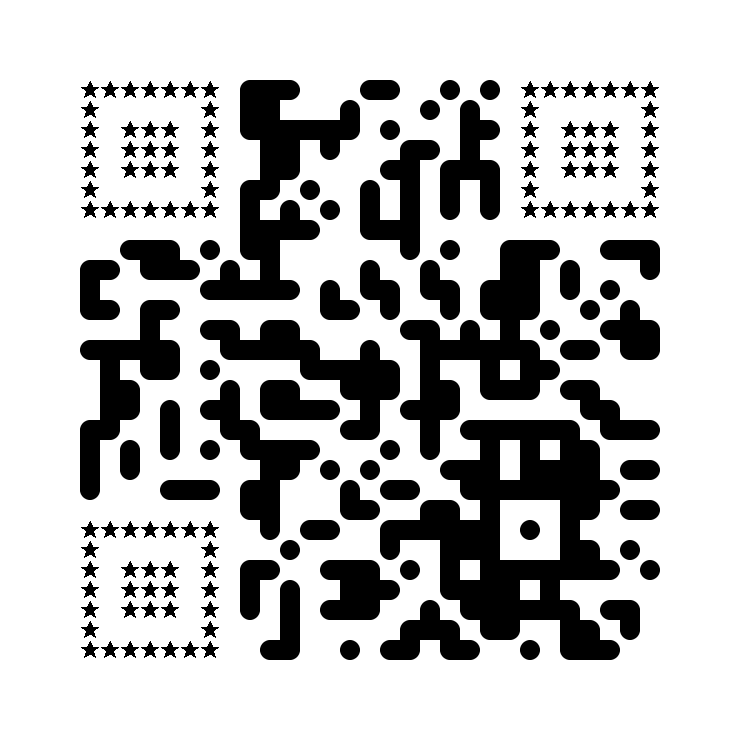
rounded__star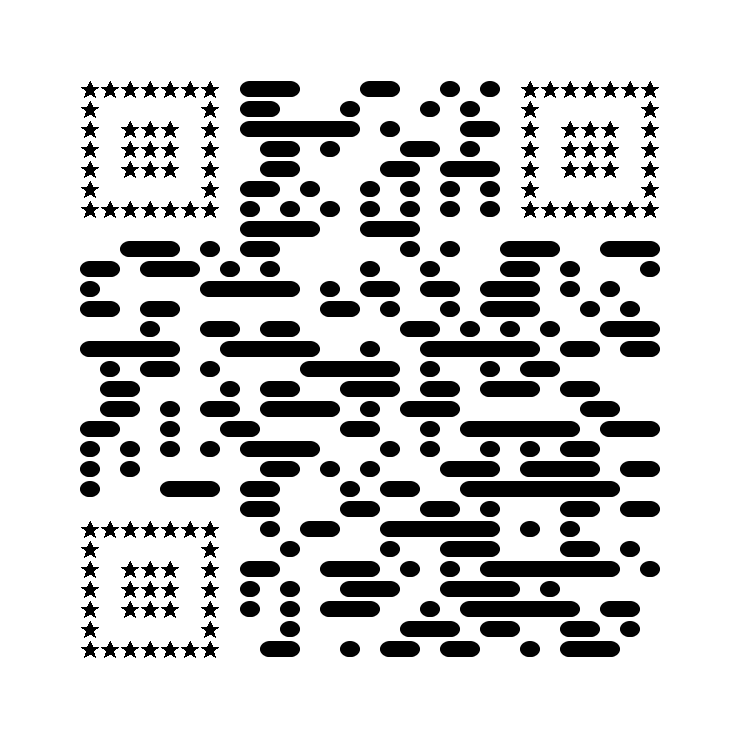
horizontal__star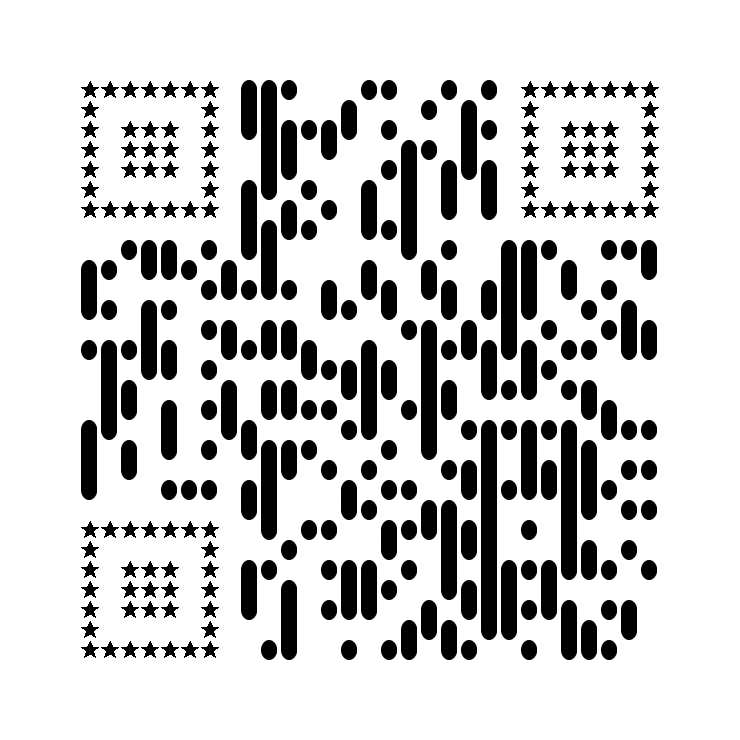
vertical__star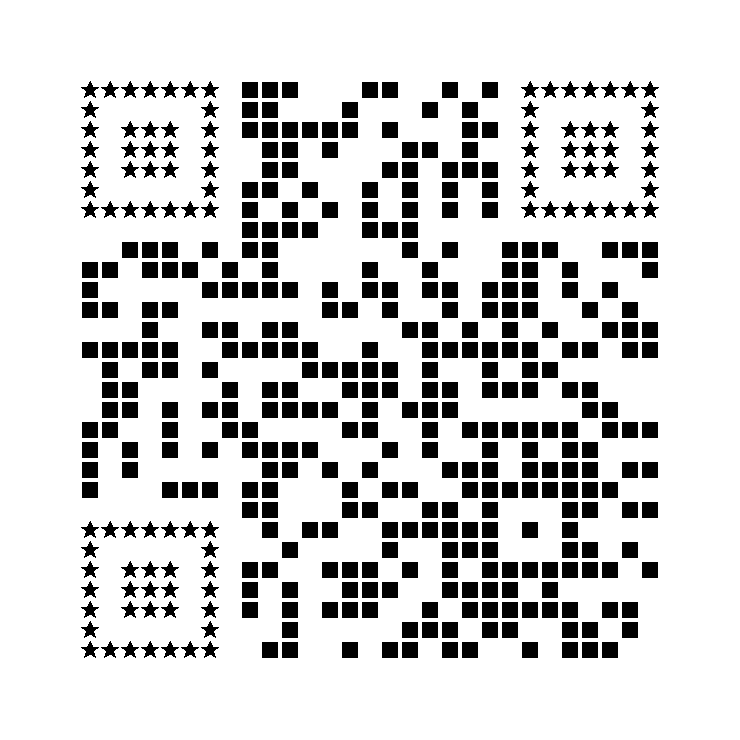
gapped_square__star
diamond__circle
diamond__square
diamond__rounded
diamond__horizontal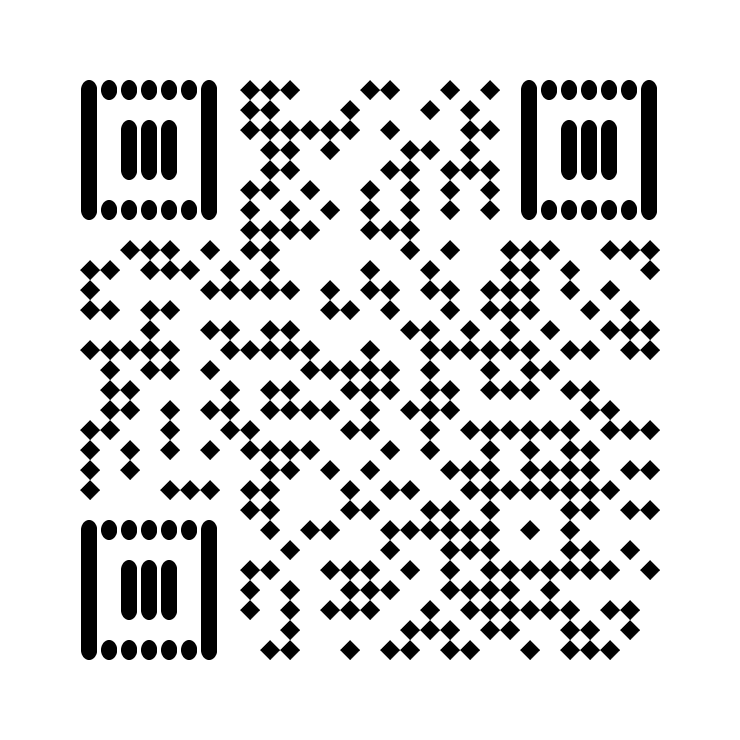
diamond__vertical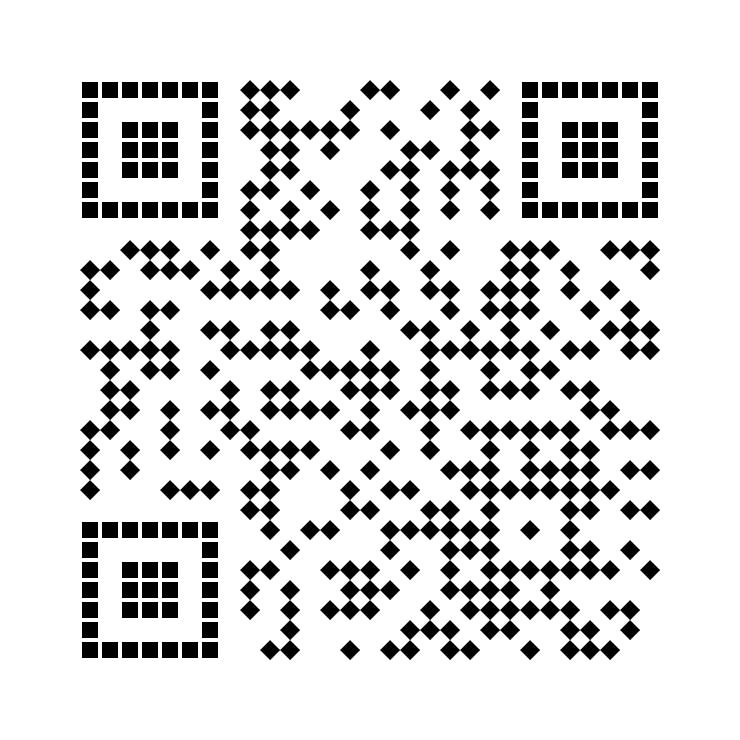
diamond__gapped_square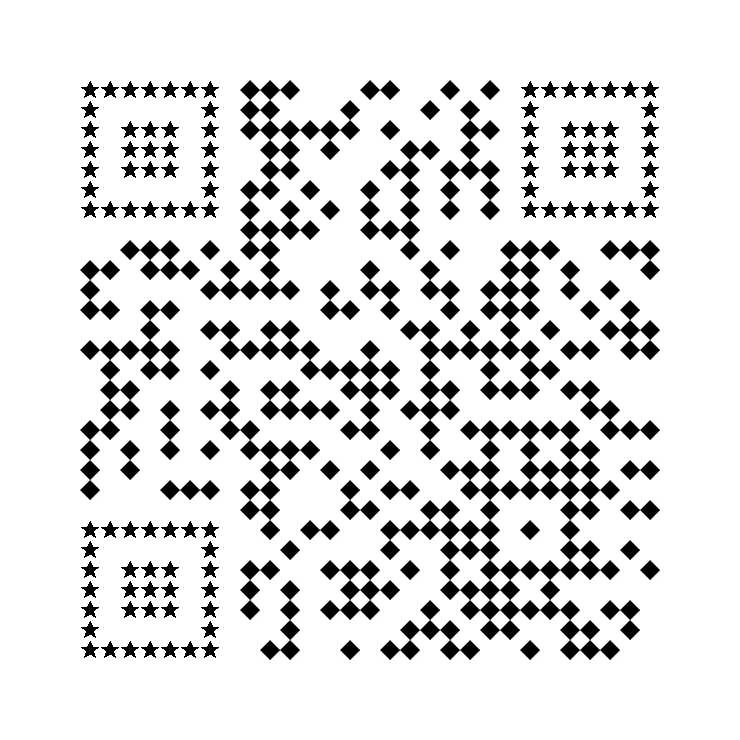
diamond__star
diamond__hexagon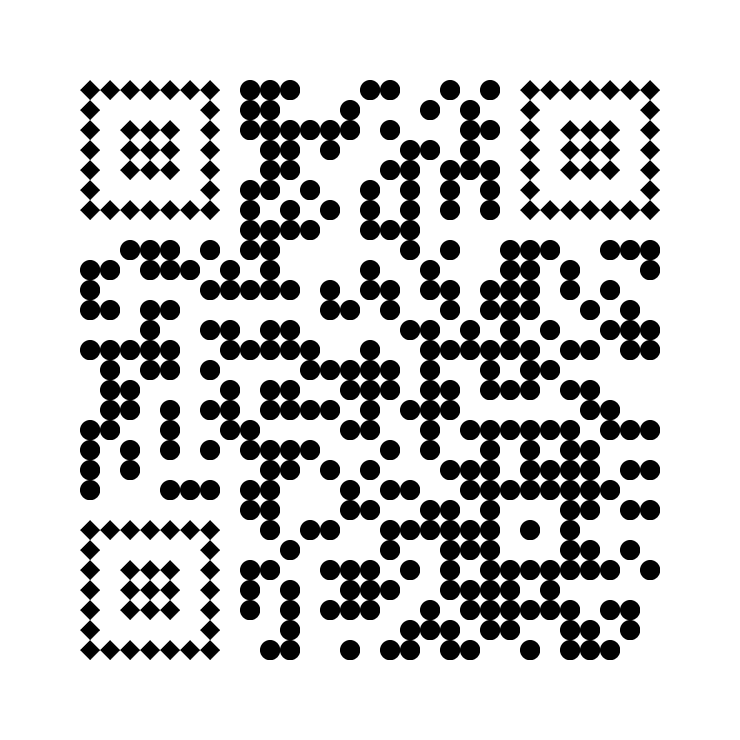
circle__diamond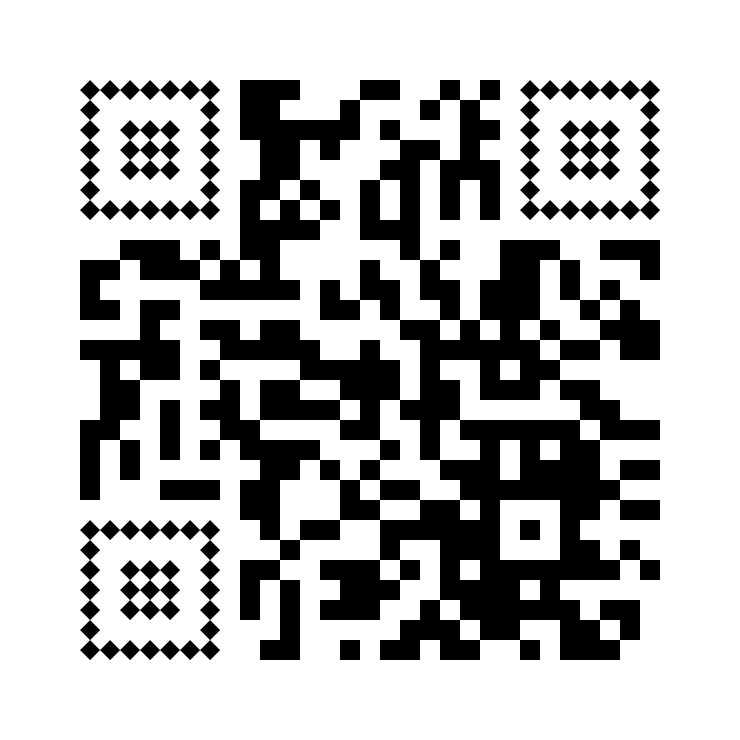
square__diamond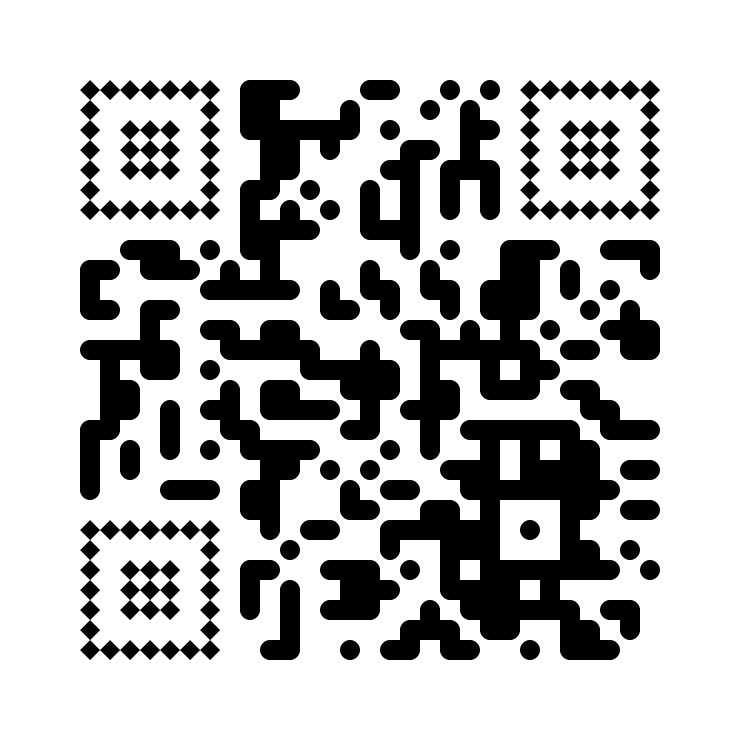
rounded__diamond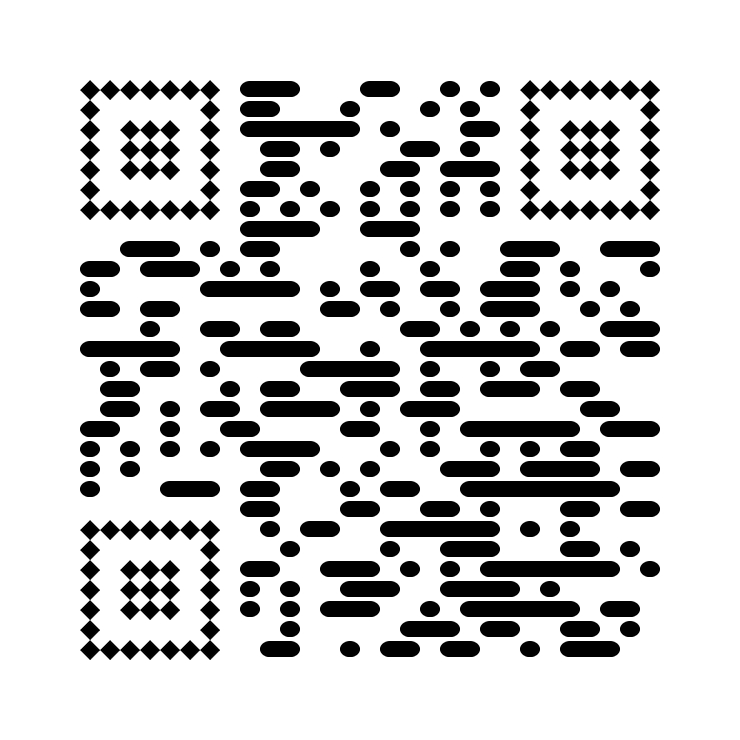
horizontal__diamond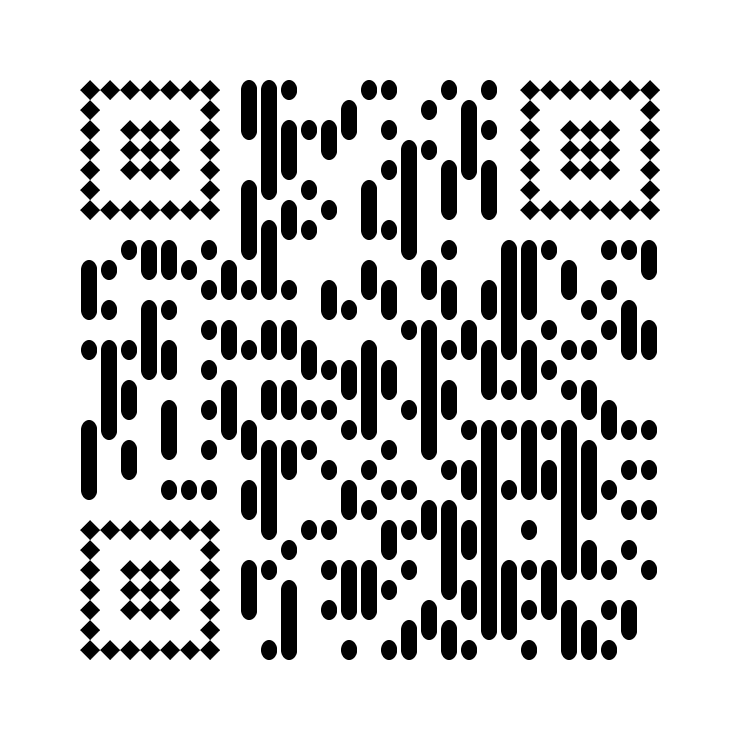
vertical__diamond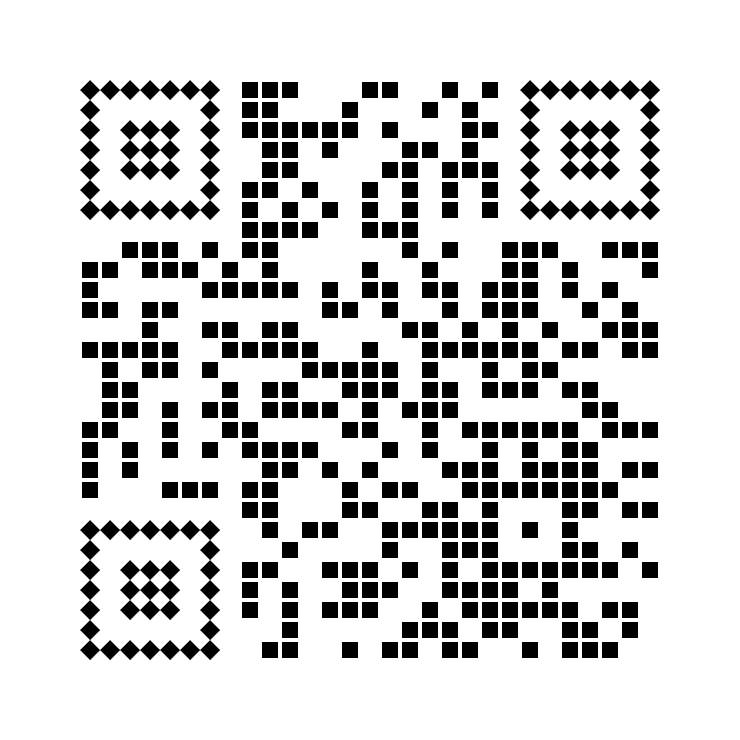
gapped_square__diamond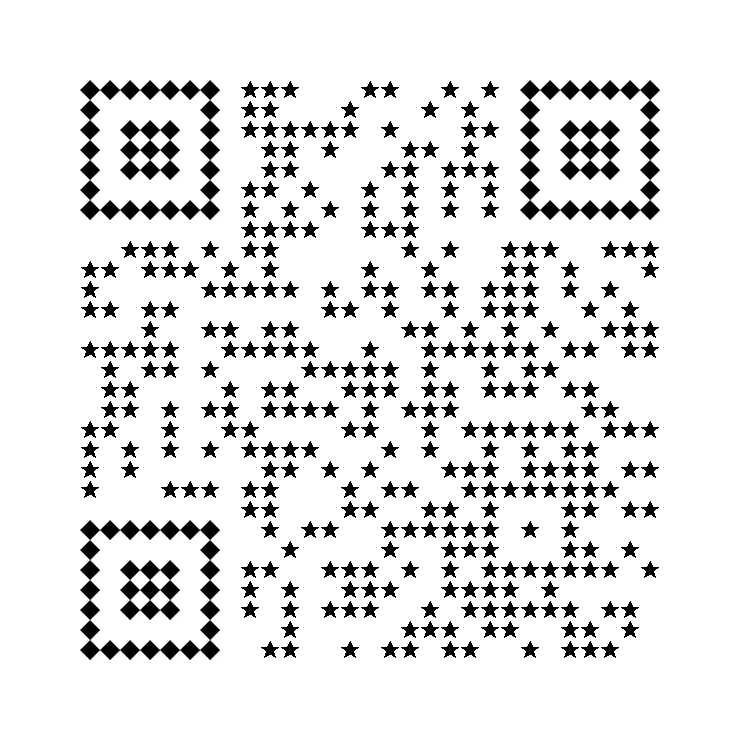
star__diamond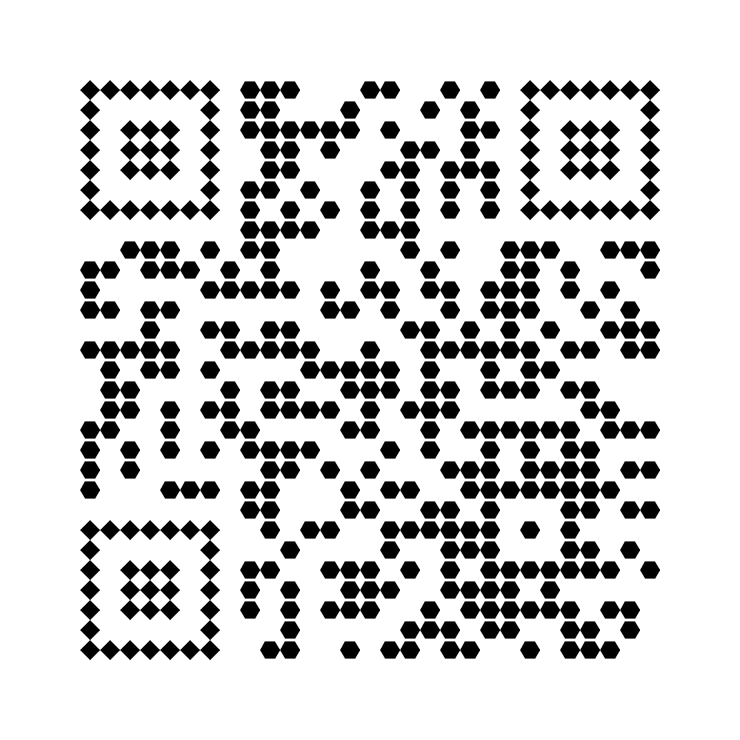
hexagon__diamond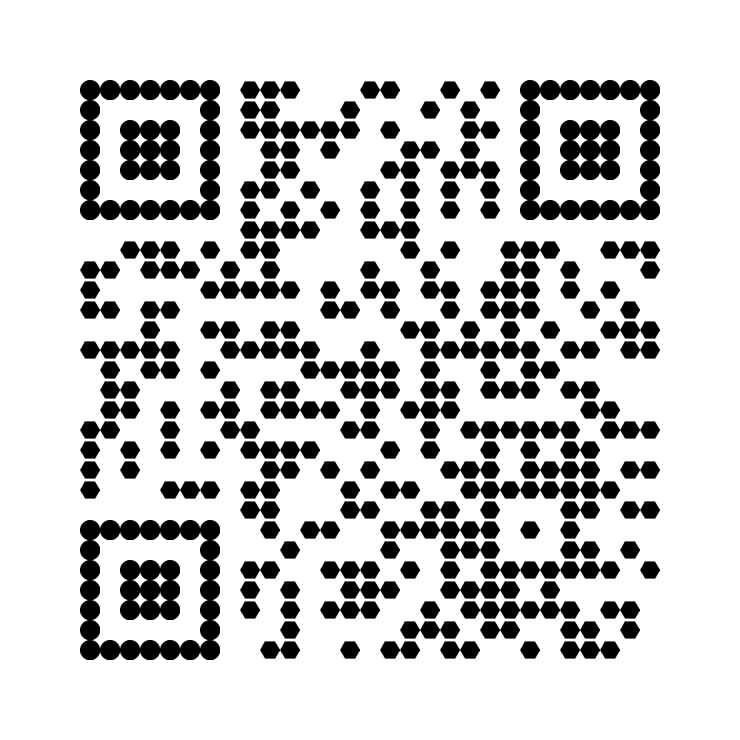
hexagon__circle
hexagon__square
hexagon__rounded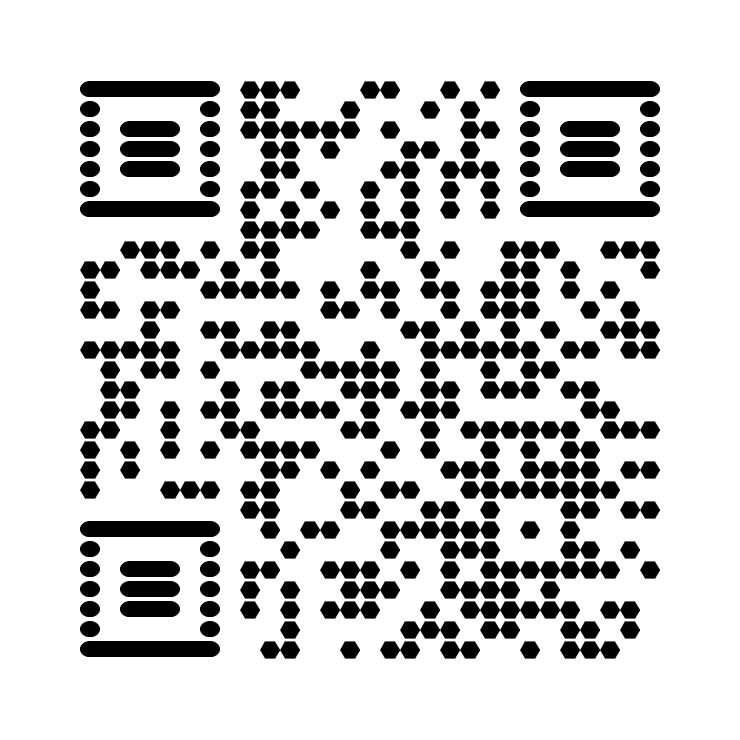
hexagon__horizontal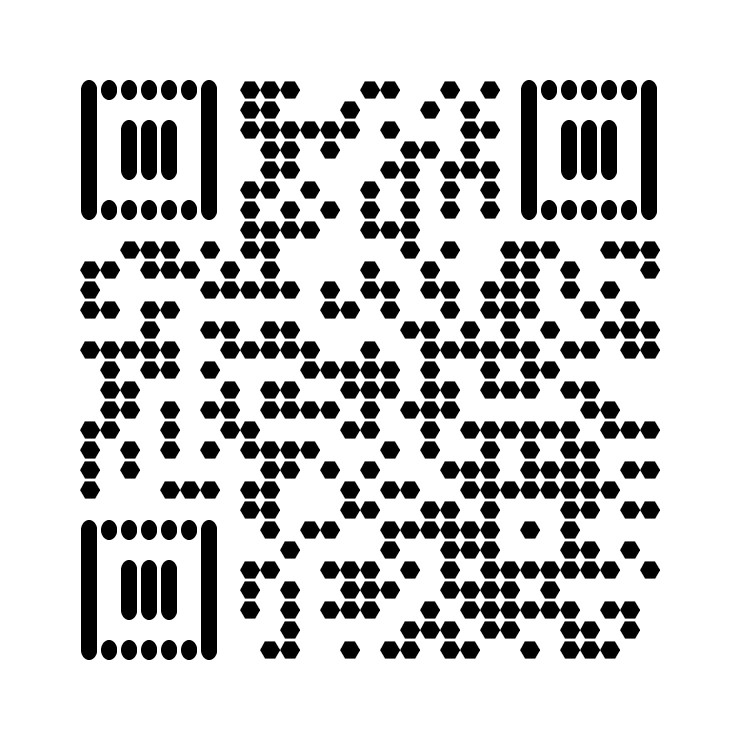
hexagon__vertical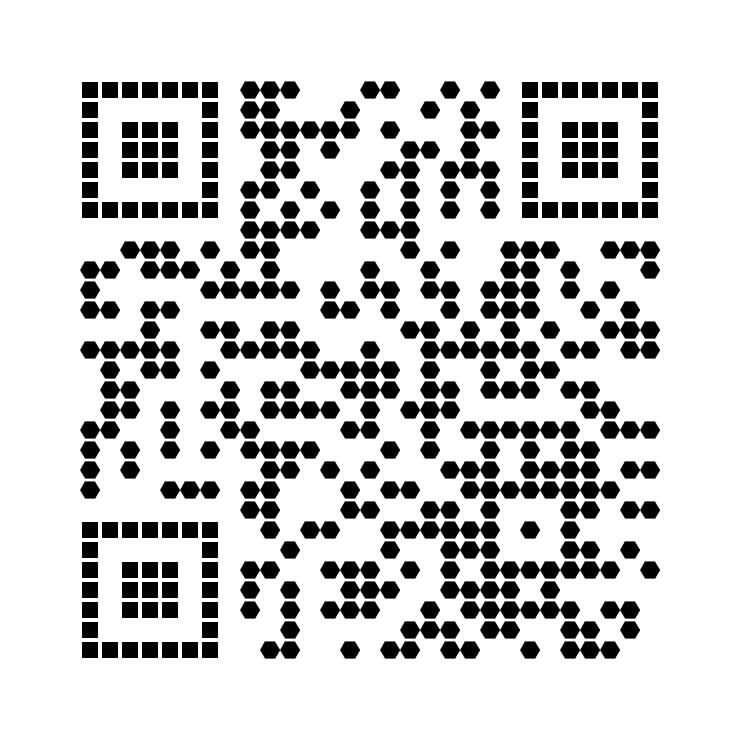
hexagon__gapped_square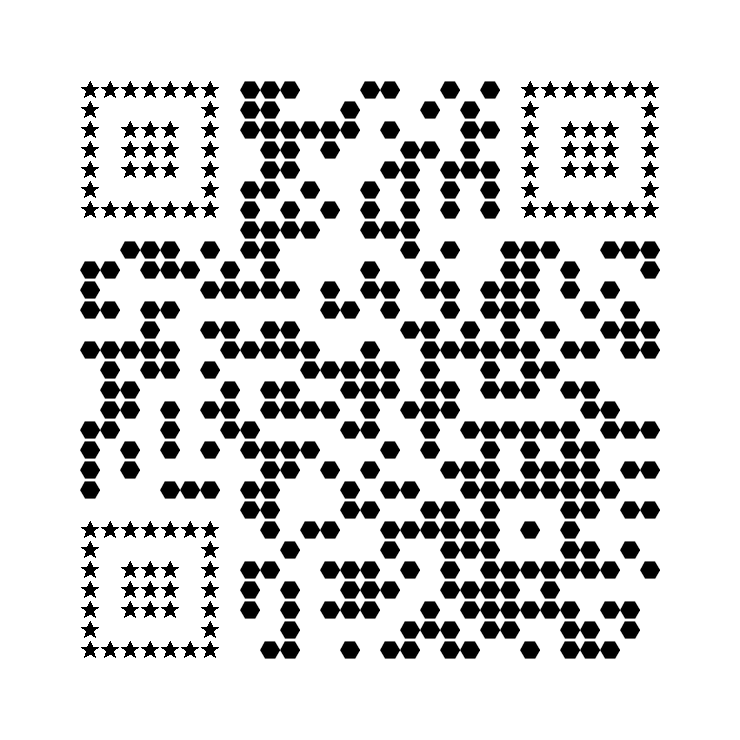
hexagon__star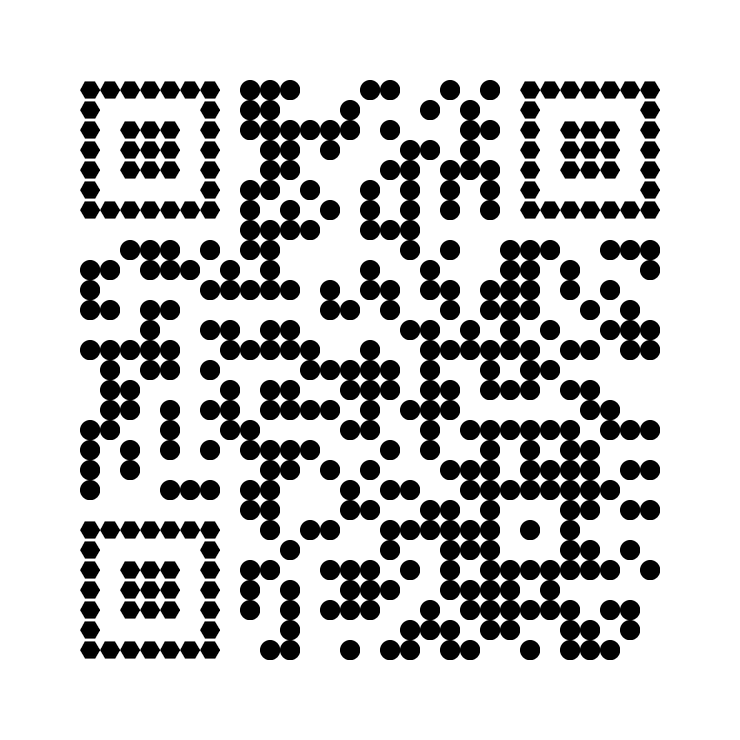
circle__hexagon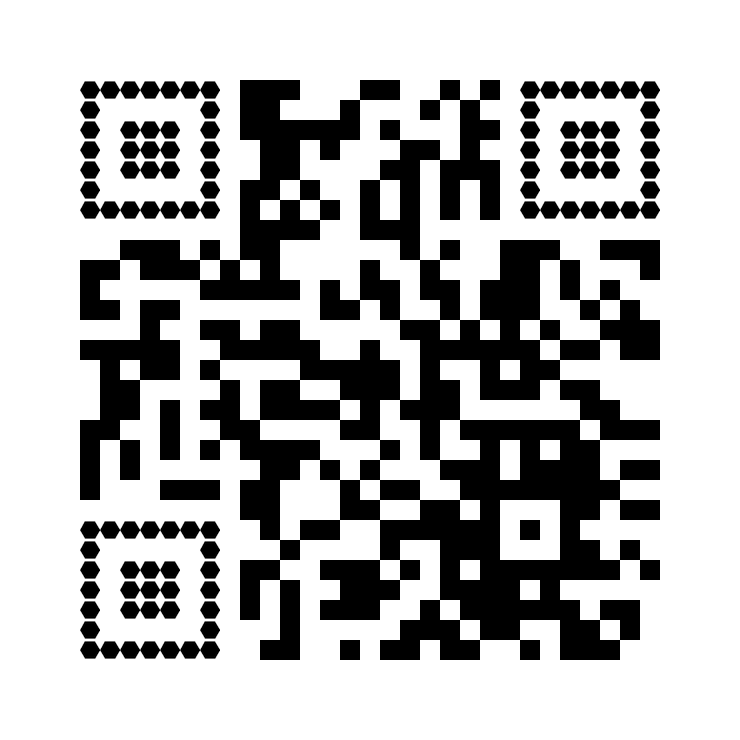
square__hexagon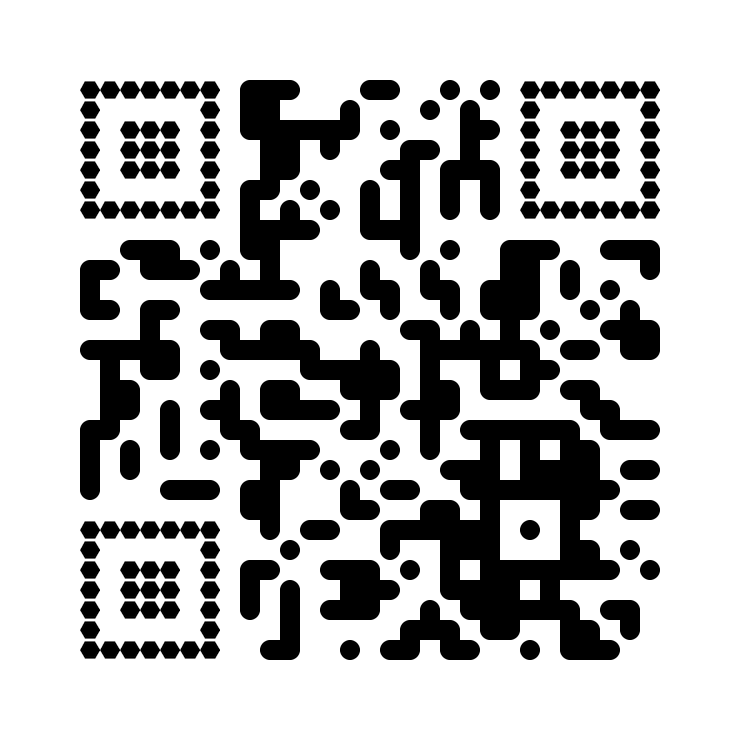
rounded__hexagon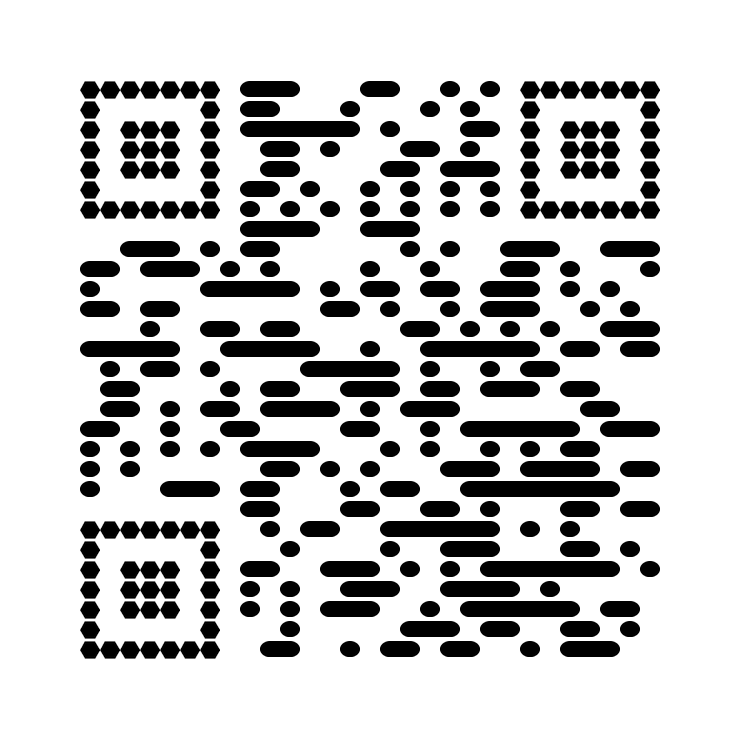
horizontal__hexagon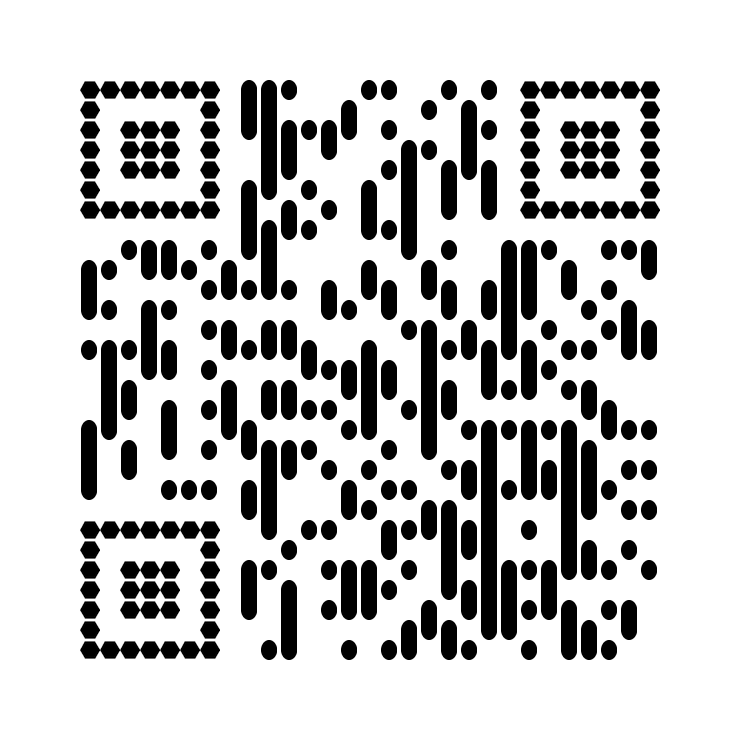
vertical__hexagon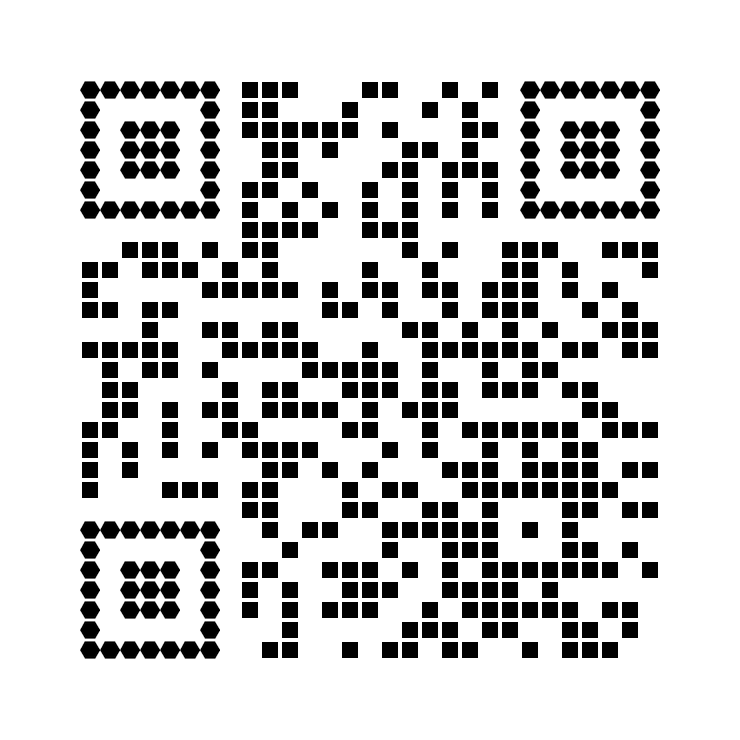
gapped_square__hexagon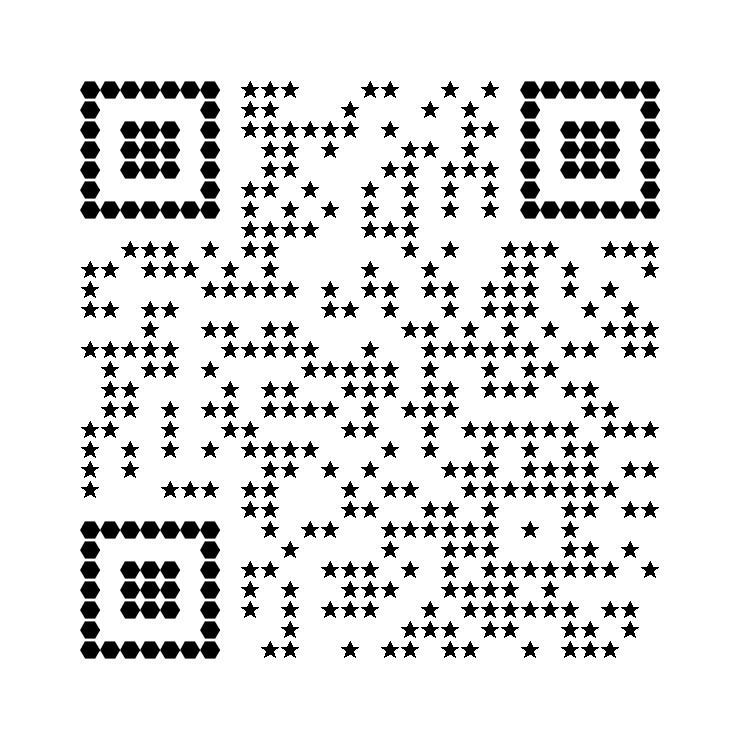
star__hexagonThe API returns a JSON object containing the status, the raw Base64 image data, and an HTML embed code string.
{
  "res": "success",
  "data": "data:image/png;base64,iVBORw0KGgo...",
  "embed_code": "<img src='https://assets.eaglebirth.com/qr/render/?token=...' alt='QR Code' width='250' />"
}The embed_code field provides a secure, signed HTML string you can place directly on your website. If you provide a logo URL, the embed code uses a dynamic link. If you upload a local image file, the embed code will contain the full image data (Data URI) to ensure it works instantly without hosting requirements.